ذَٰلِكَ وَمَن يُعَظِّمْ شَعَٰٓئِرَ ٱللَّهِ فَإِنَّهَا مِن تَقْوَى ٱلْقُلُوبِ
That [is so]. And whoever honors the symbols of Allah - indeed, it is from the piety of hearts.
Quran 22:32, translation by Sahih International
42 free designs. Tap one to preview it, then download at phone size or true 4K. No sign-up, no watermark.
42 wallpapers at 1290 by 2796 pixels
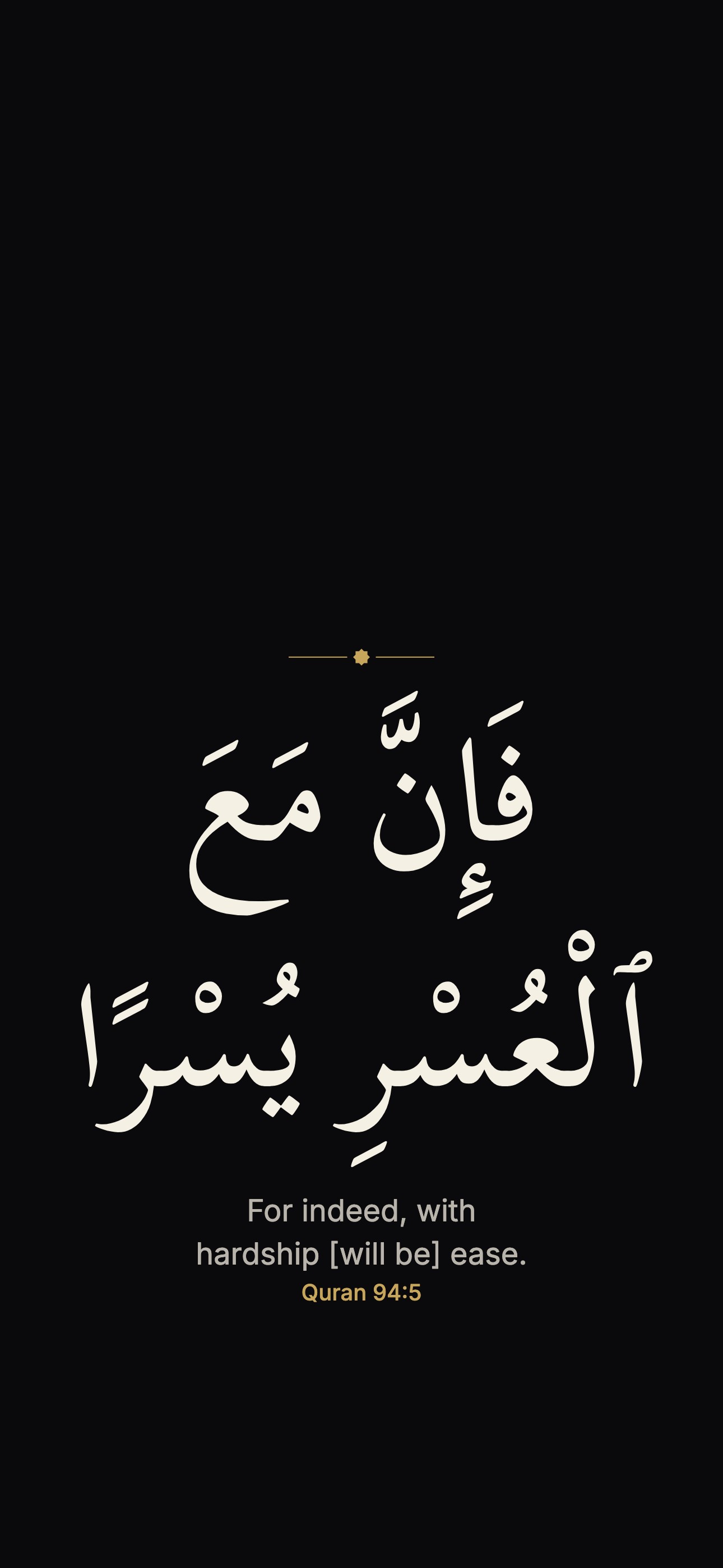 Quran 94:5
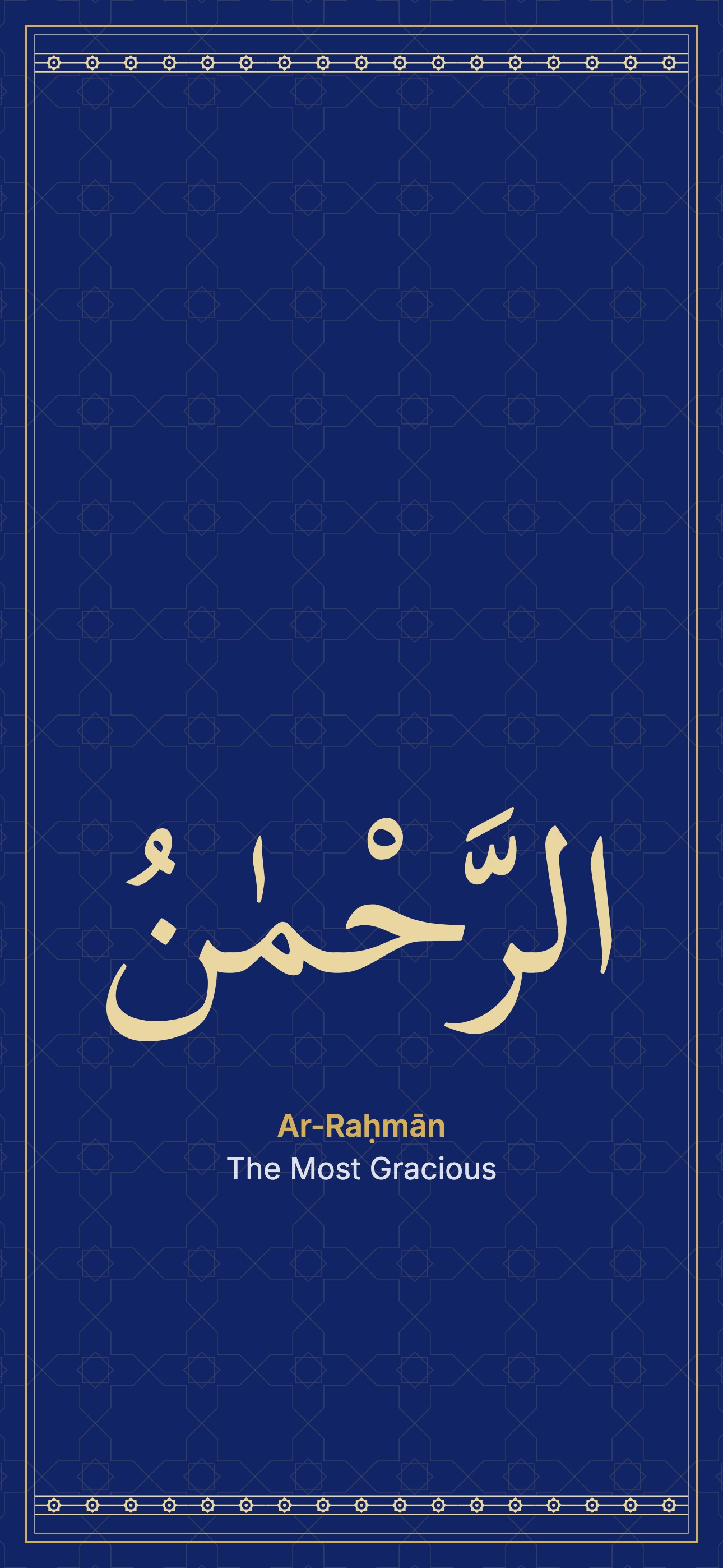 Ar-Raḥmān
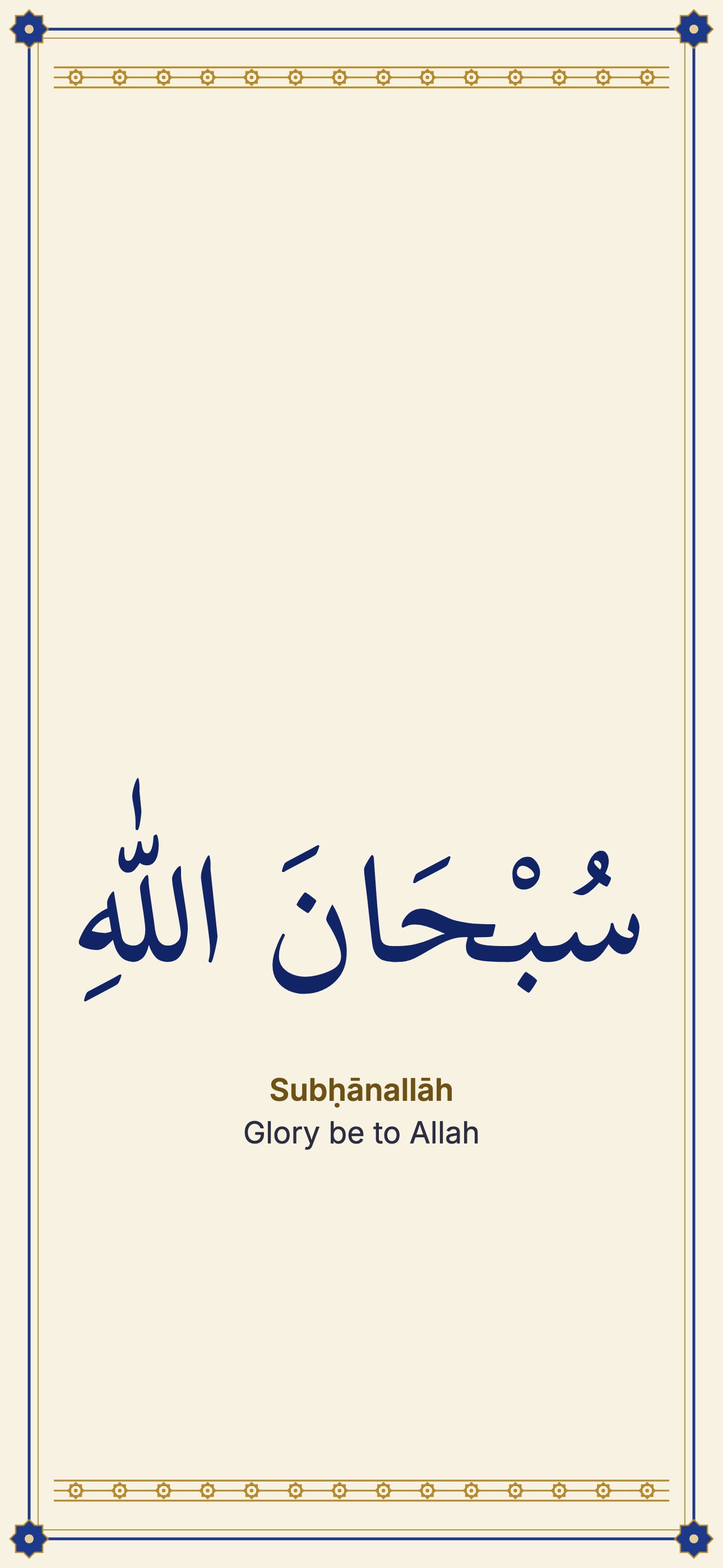 Subḥānallāh
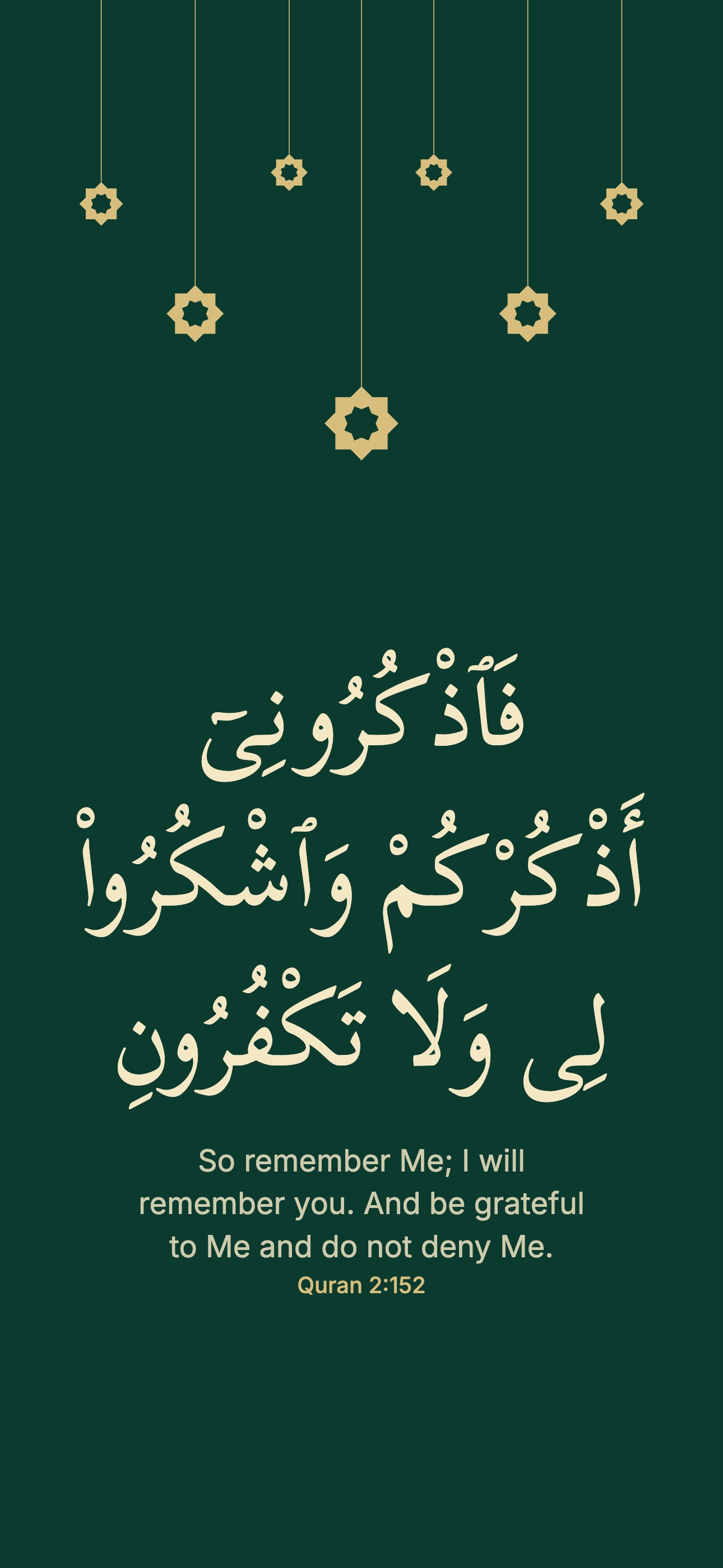 Quran 2:152
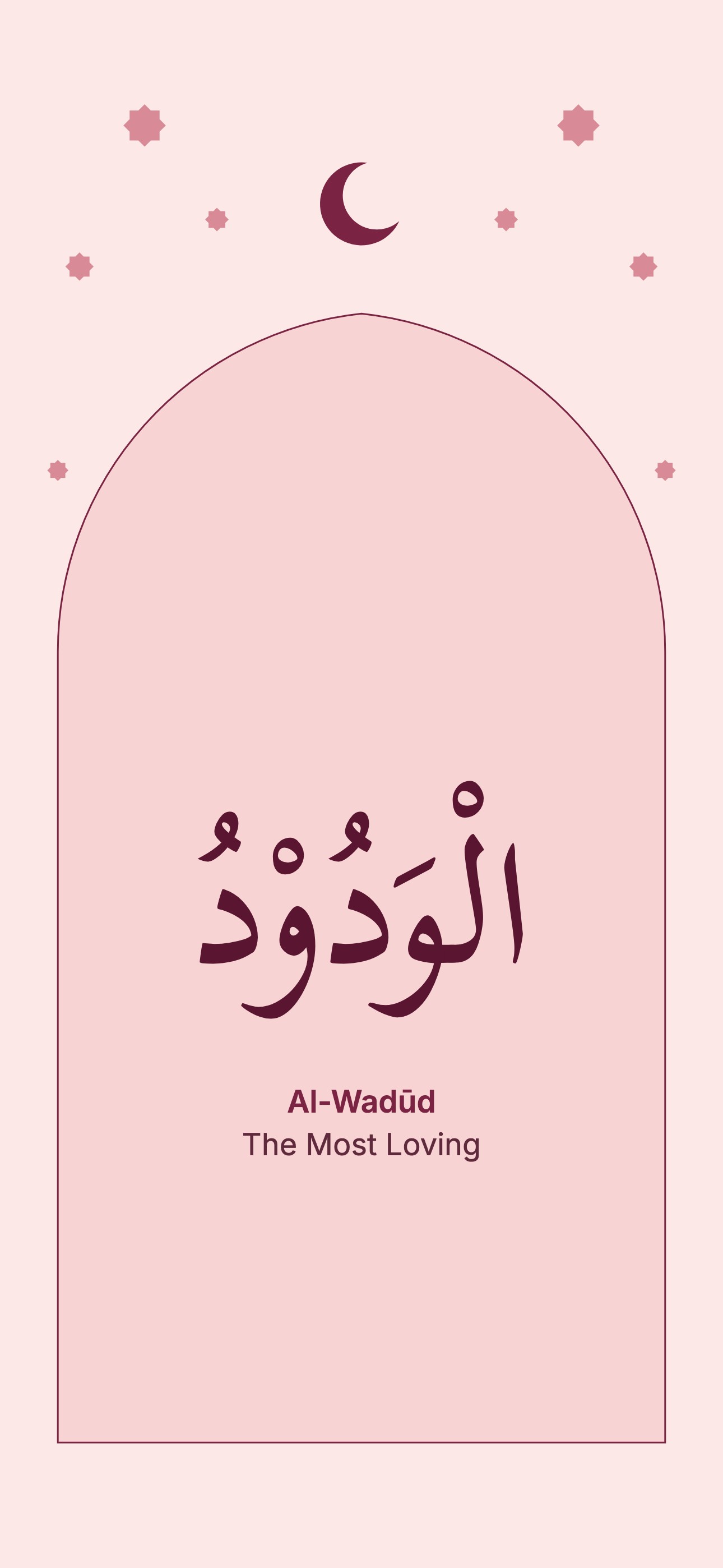 Al-Wadūd
 Lapis star tiles
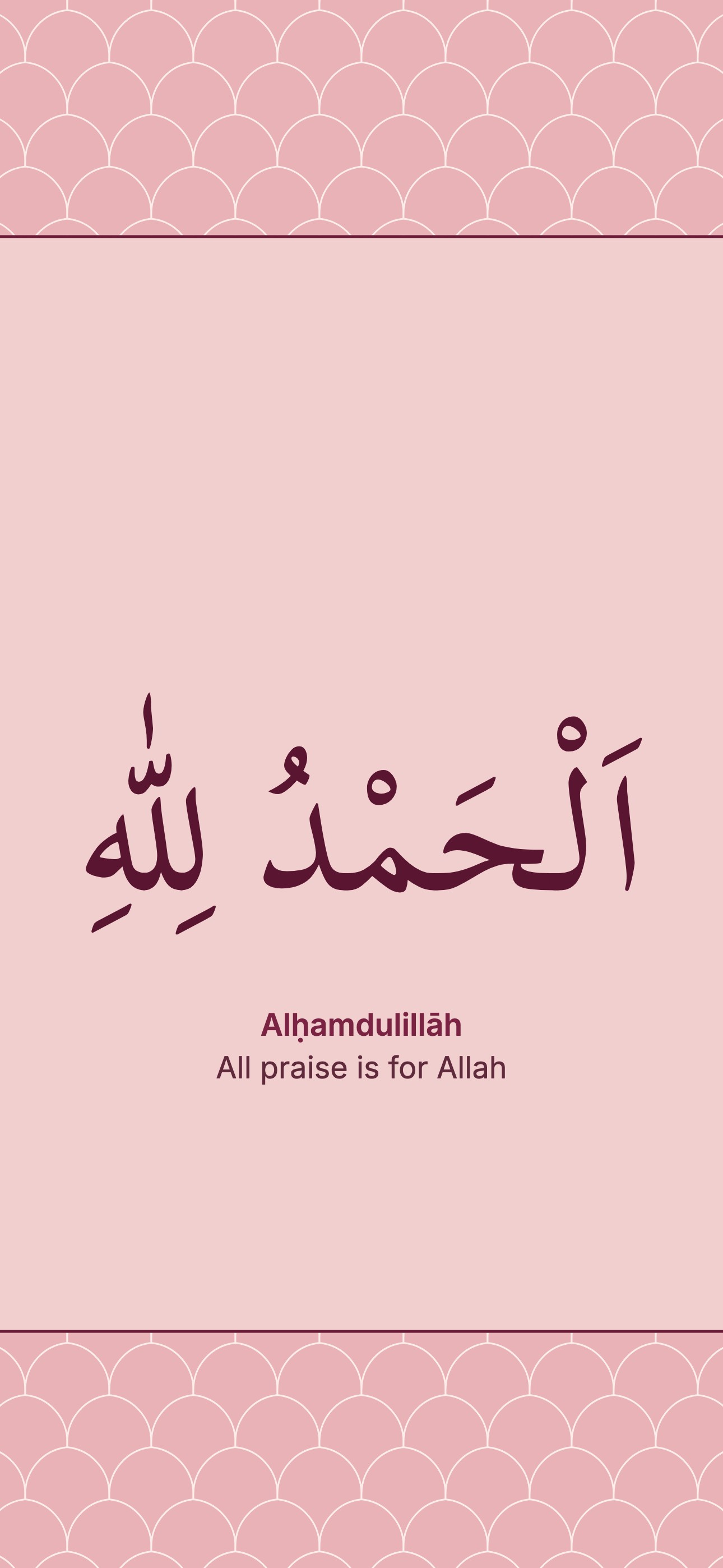 Alḥamdulillāh
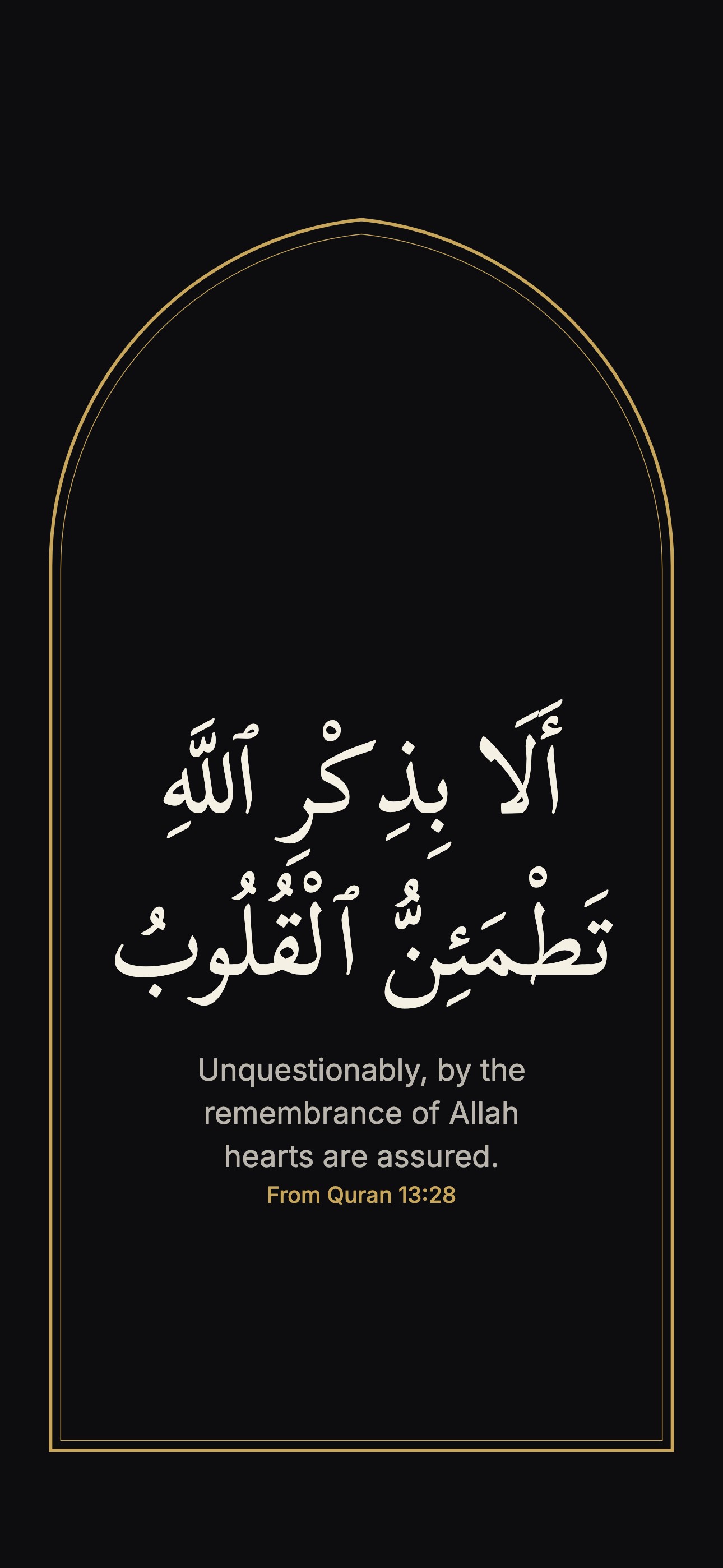 From Quran 13:28
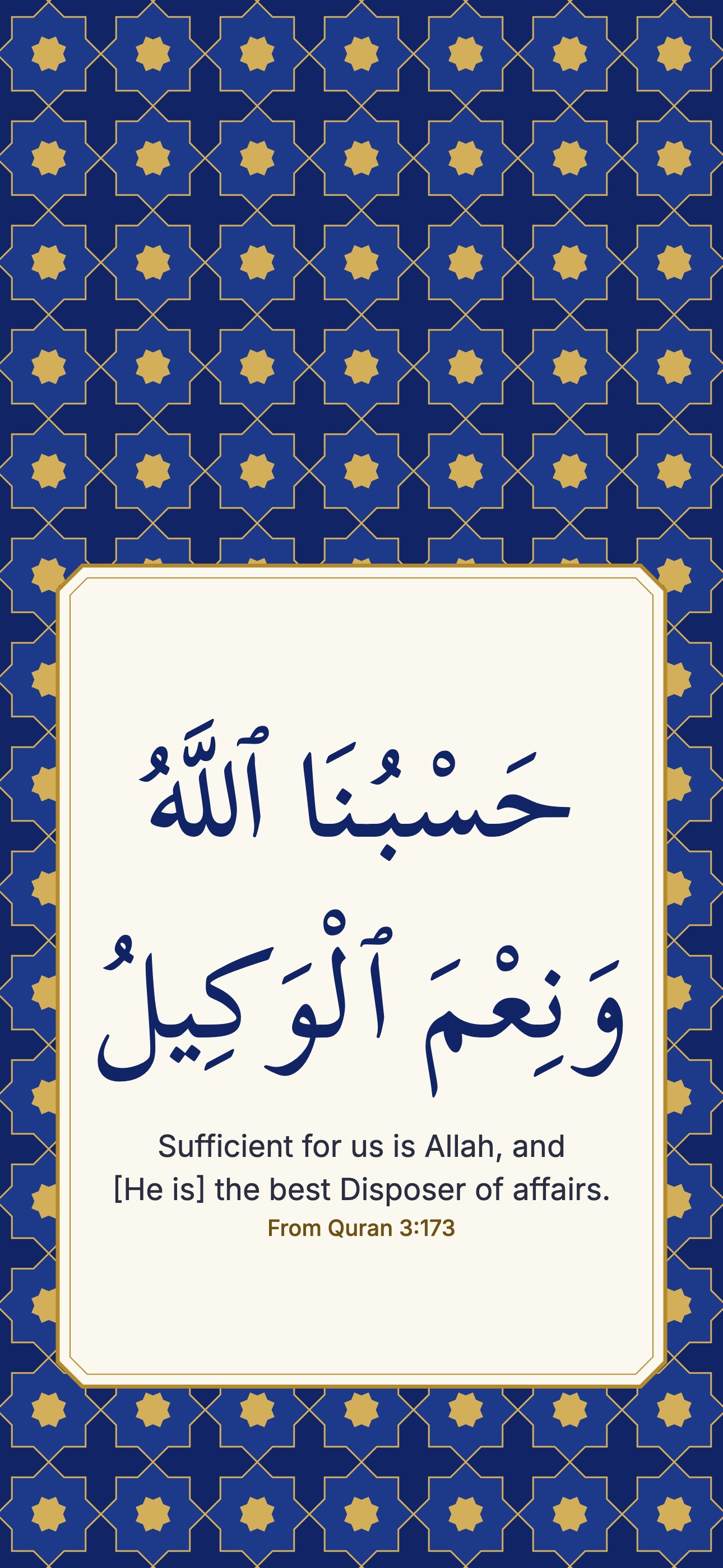 From Quran 3:173
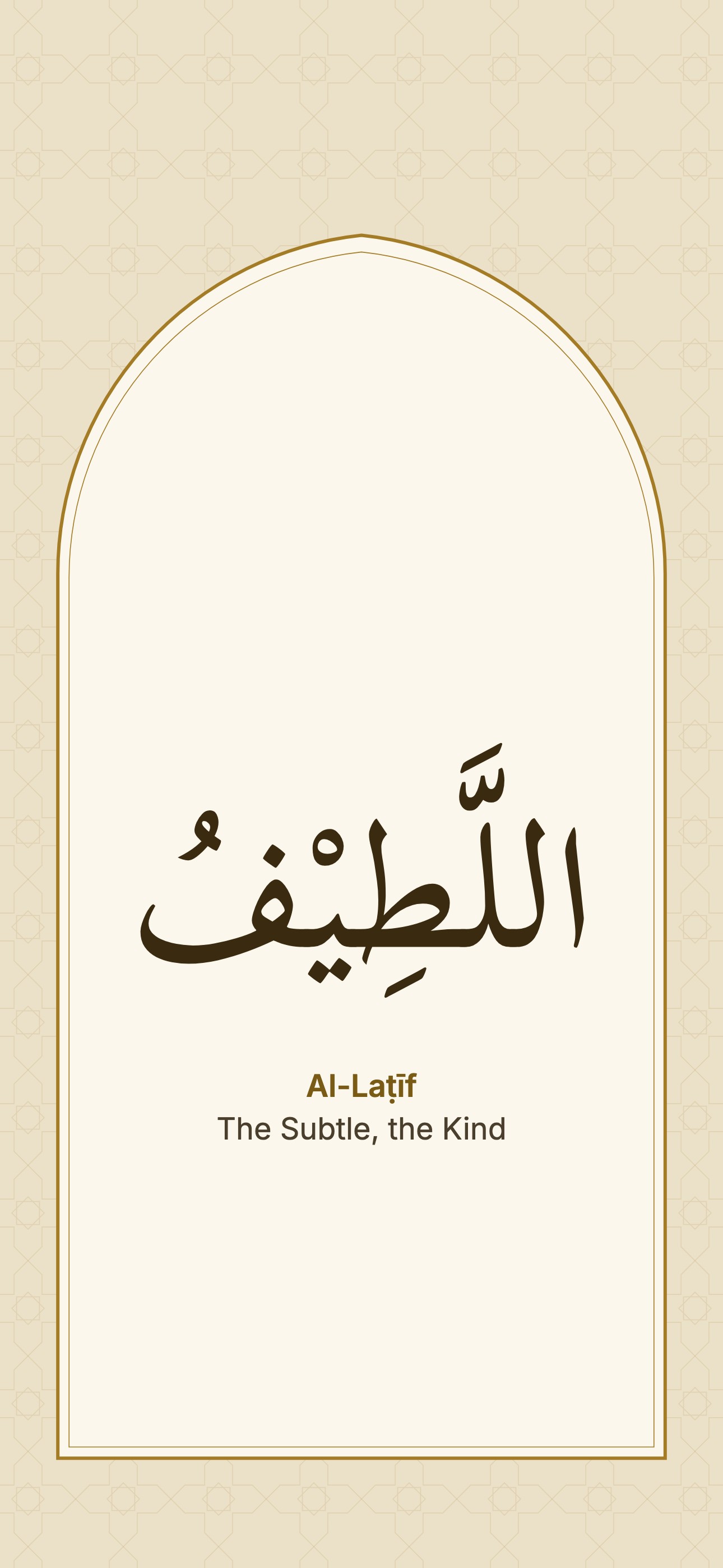 Al-Laṭīf
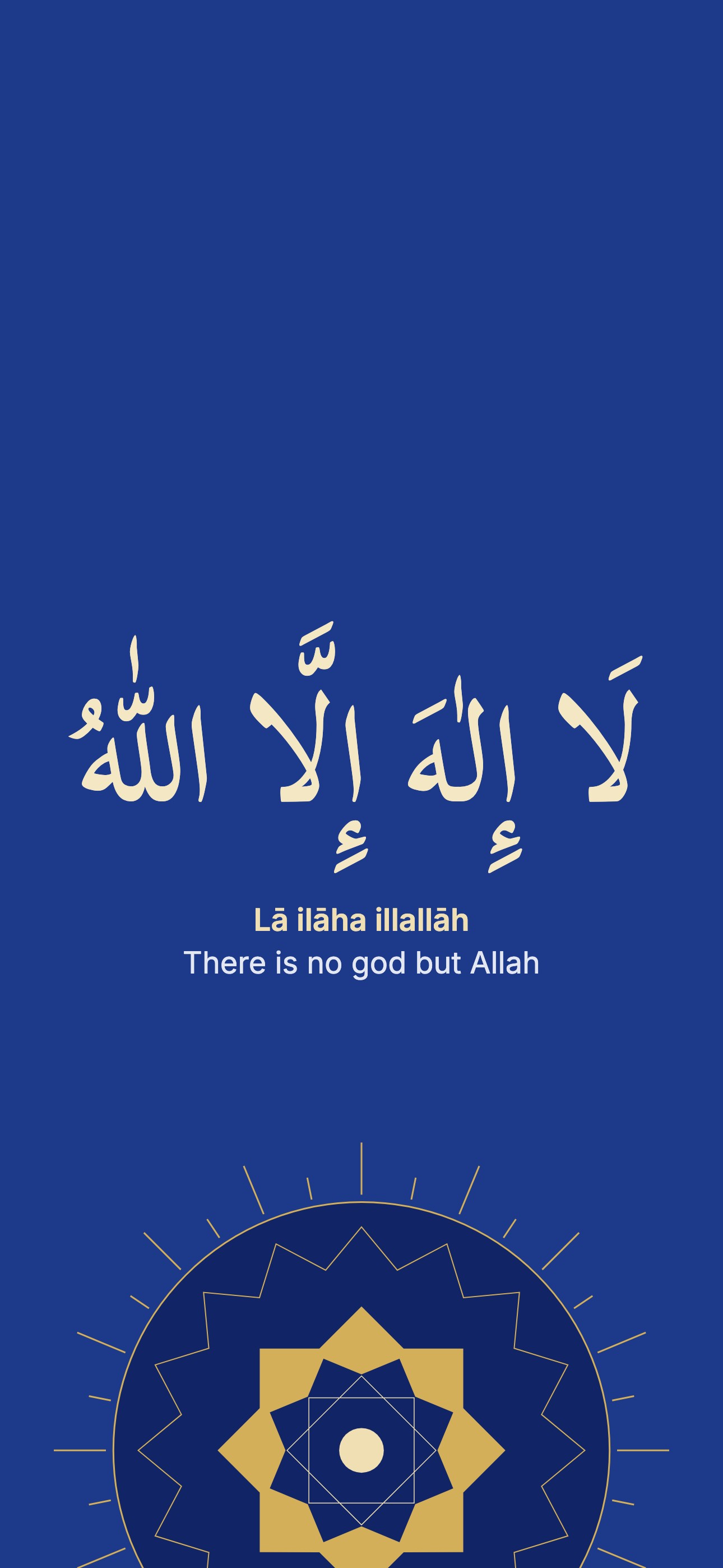 Lā ilāha illallāh
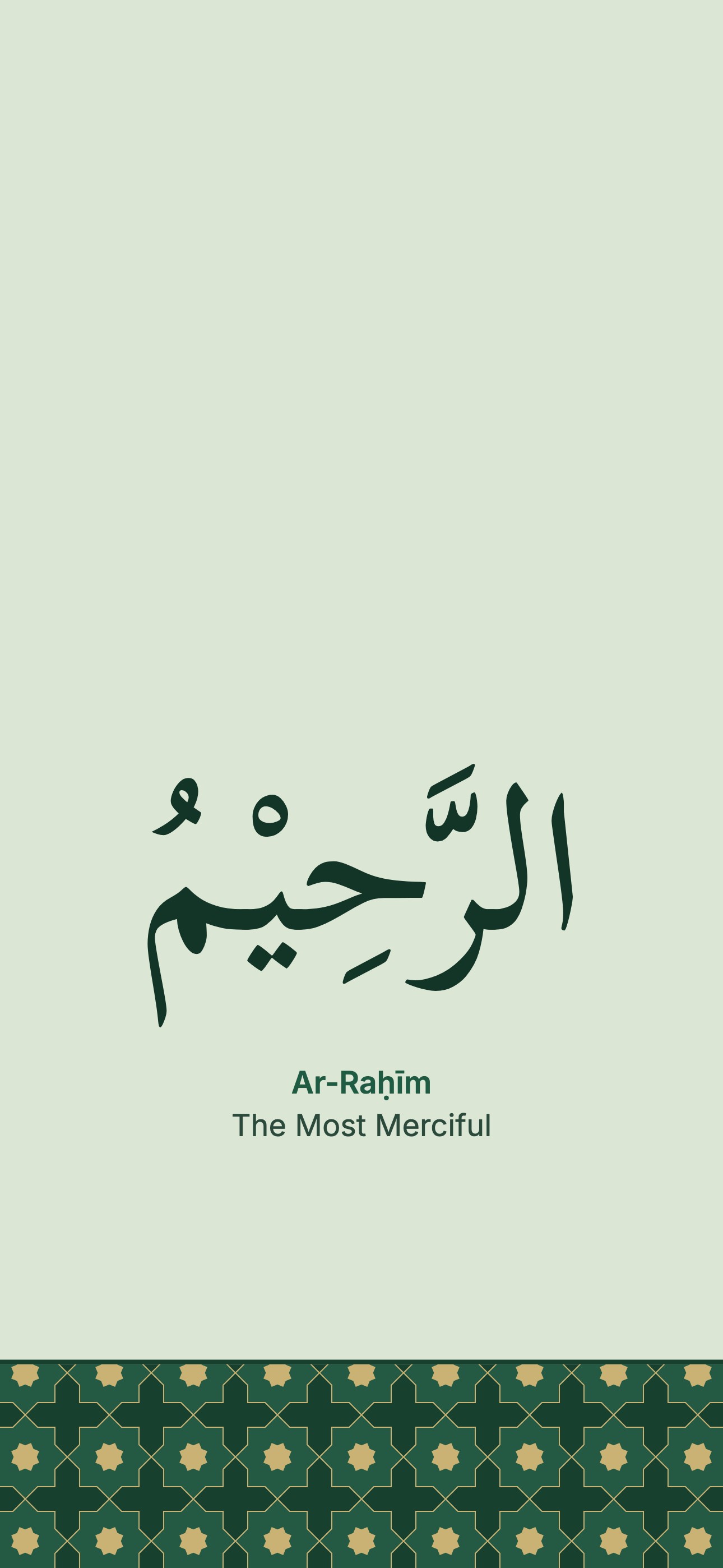 Ar-Raḥīm
 Black star rings
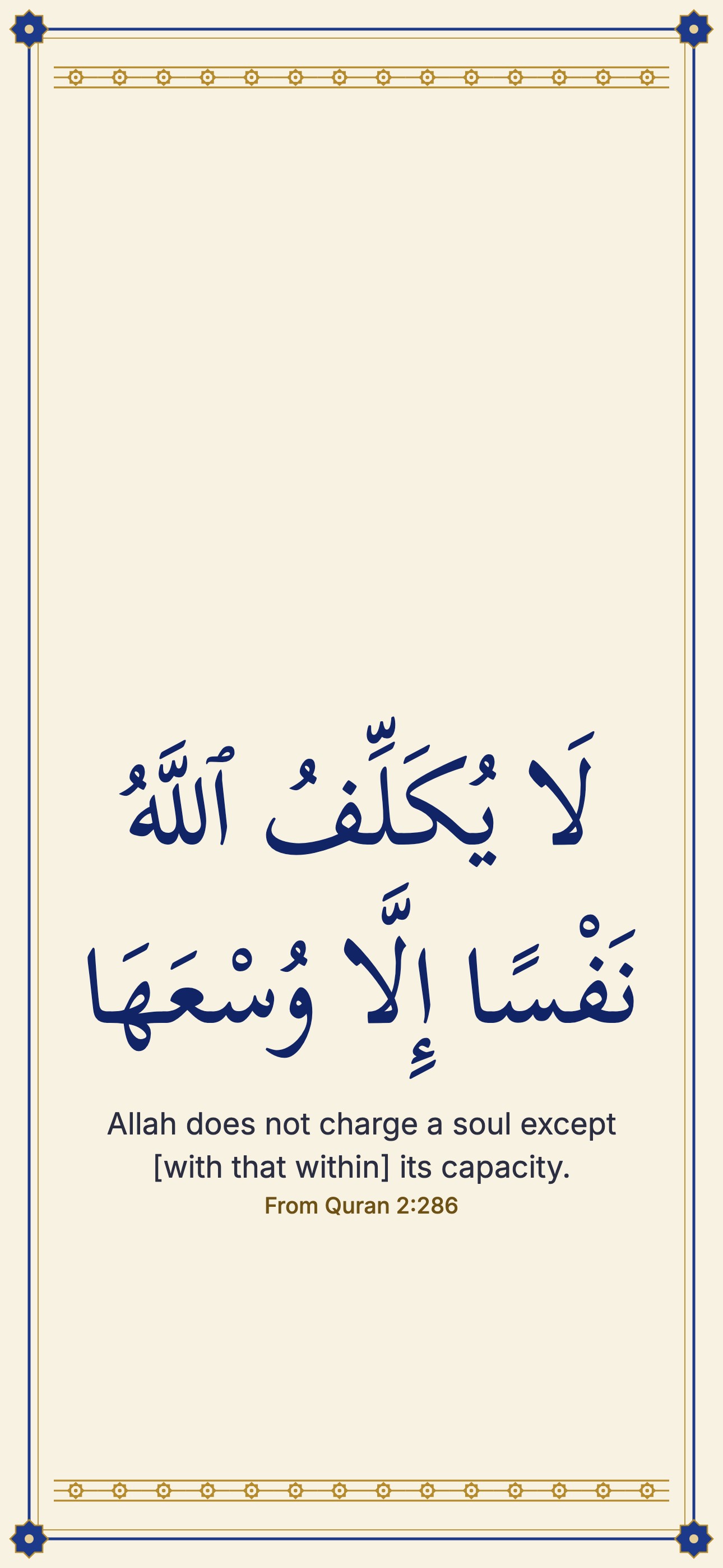 From Quran 2:286
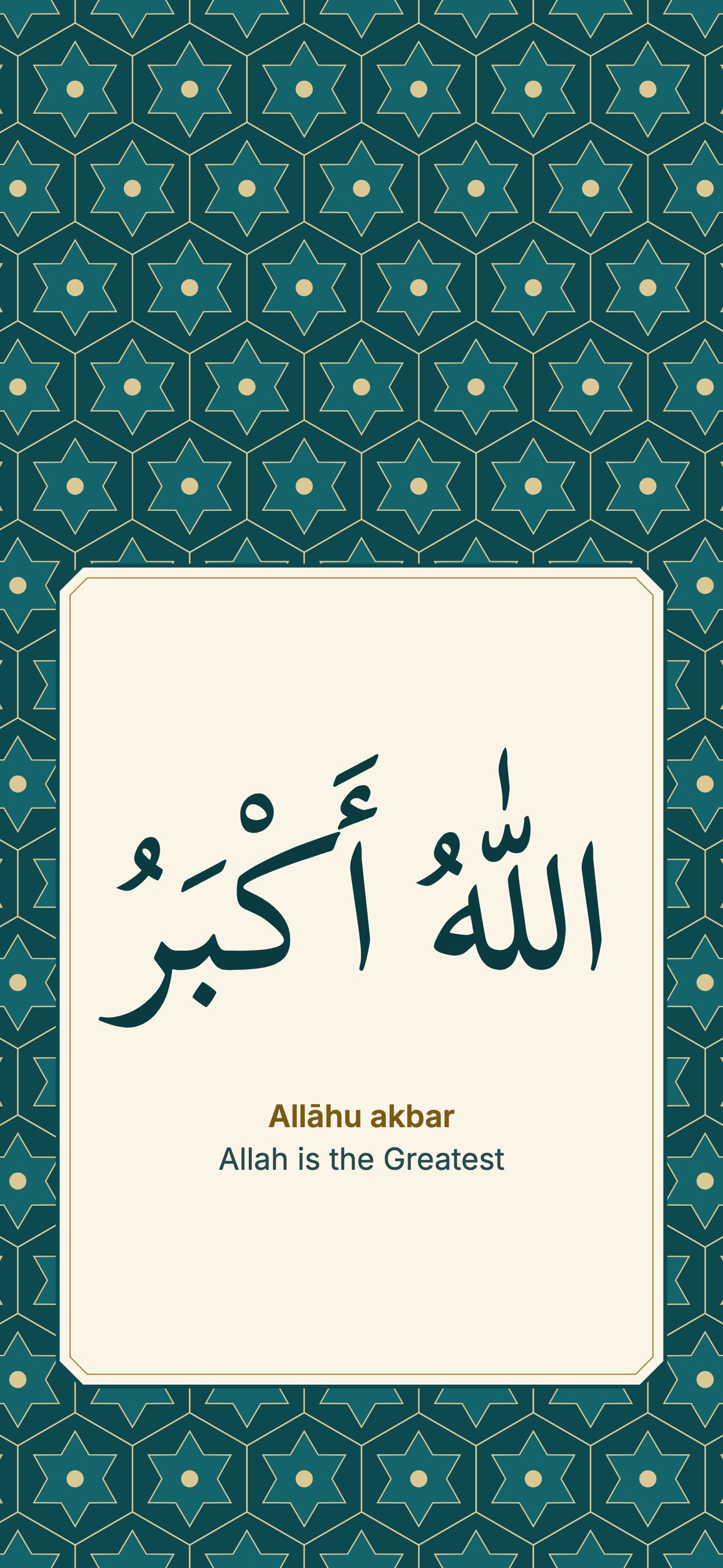 Allāhu akbar
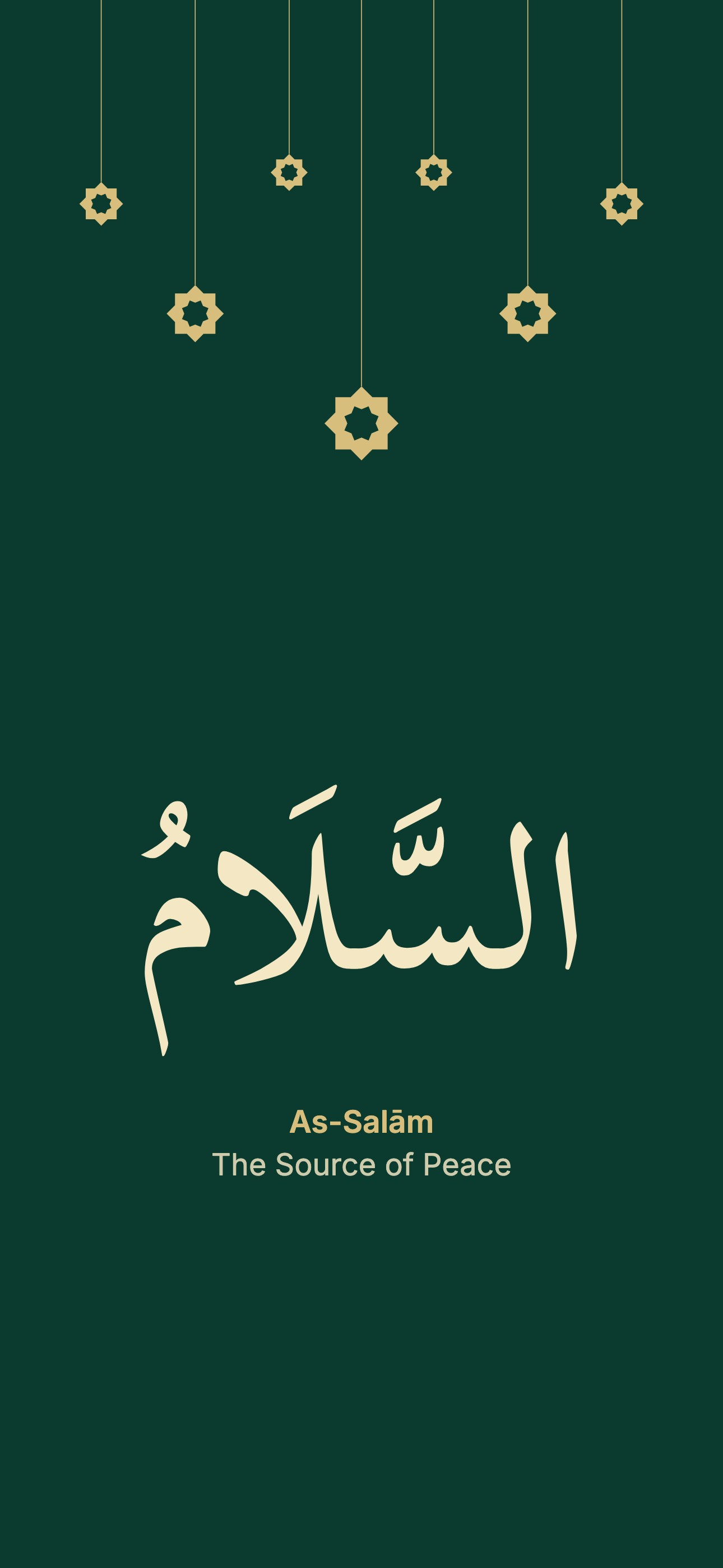 As-Salām
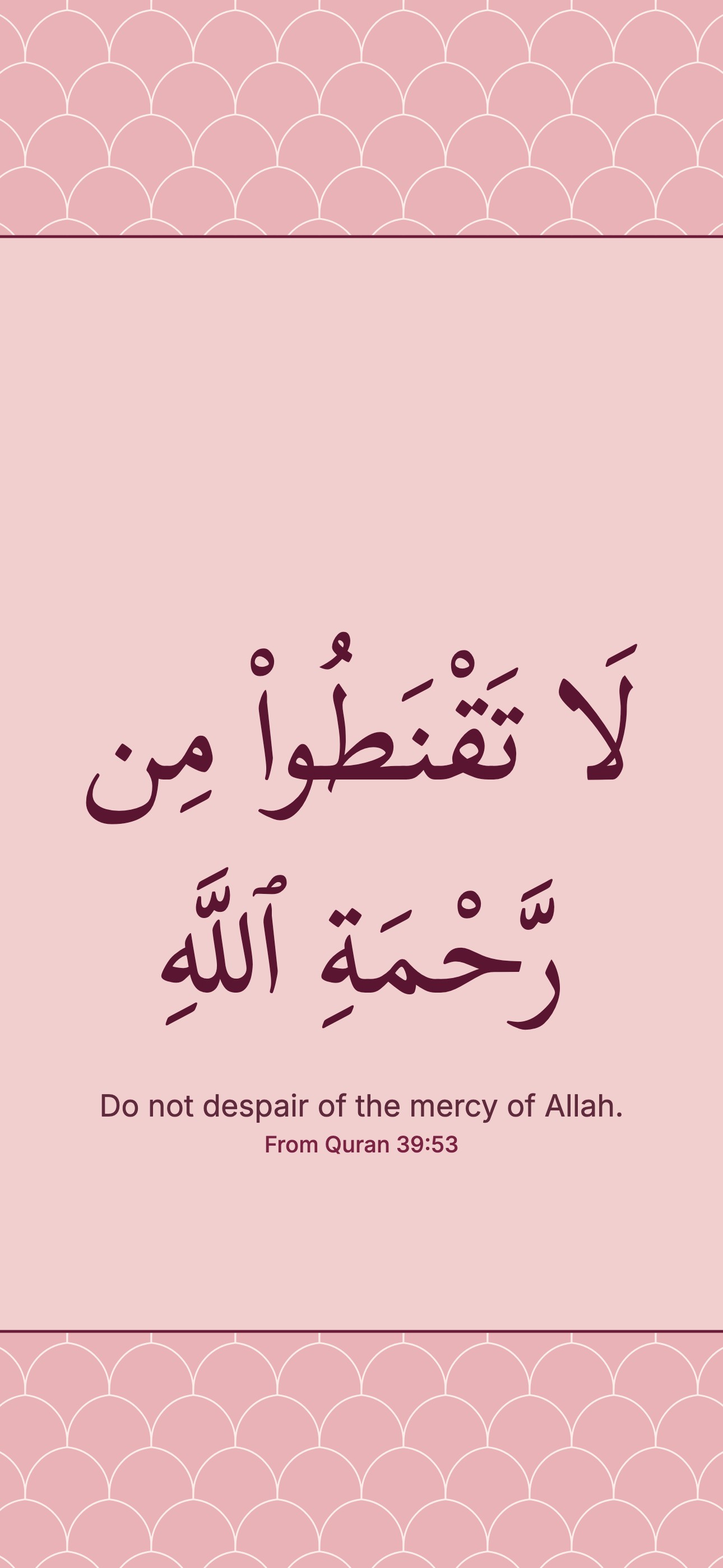 From Quran 39:53
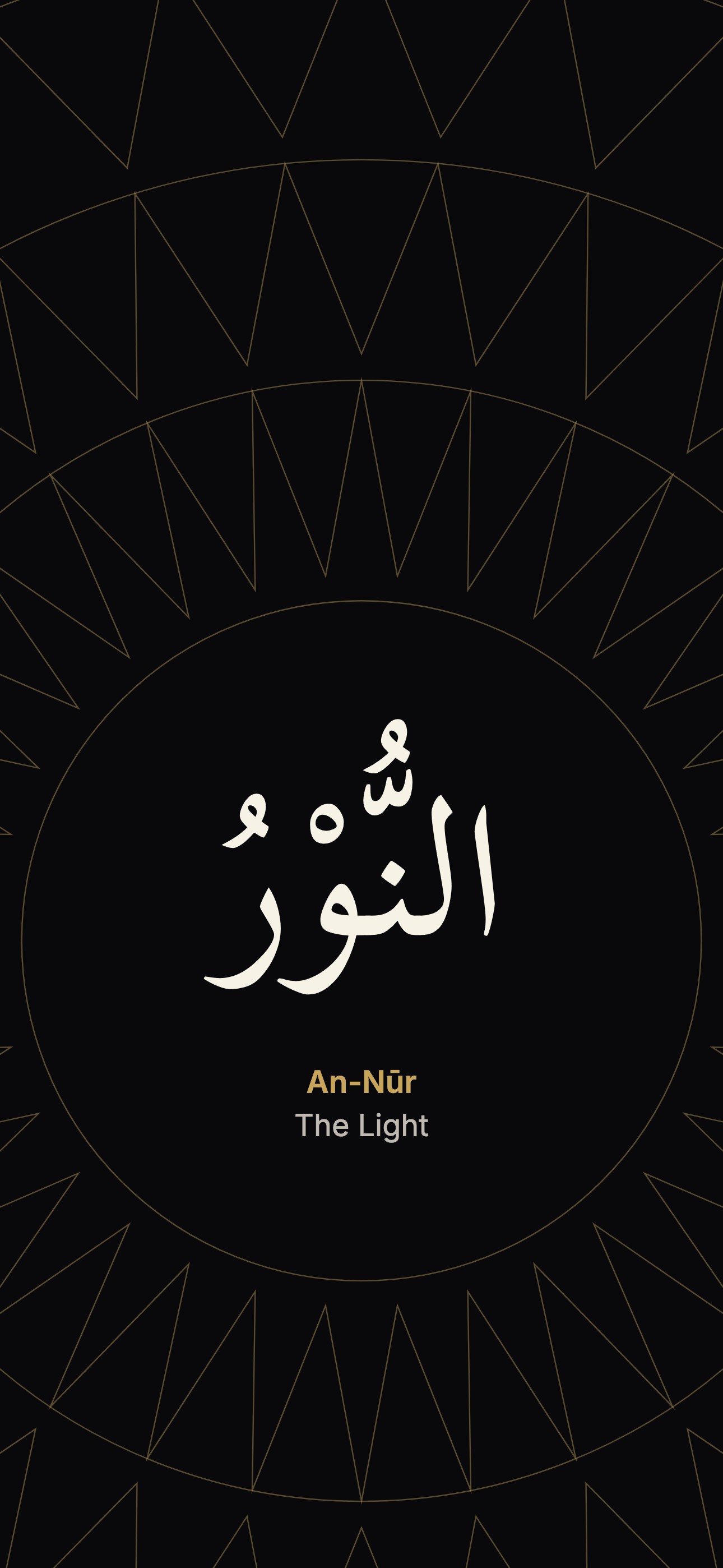 An-Nūr
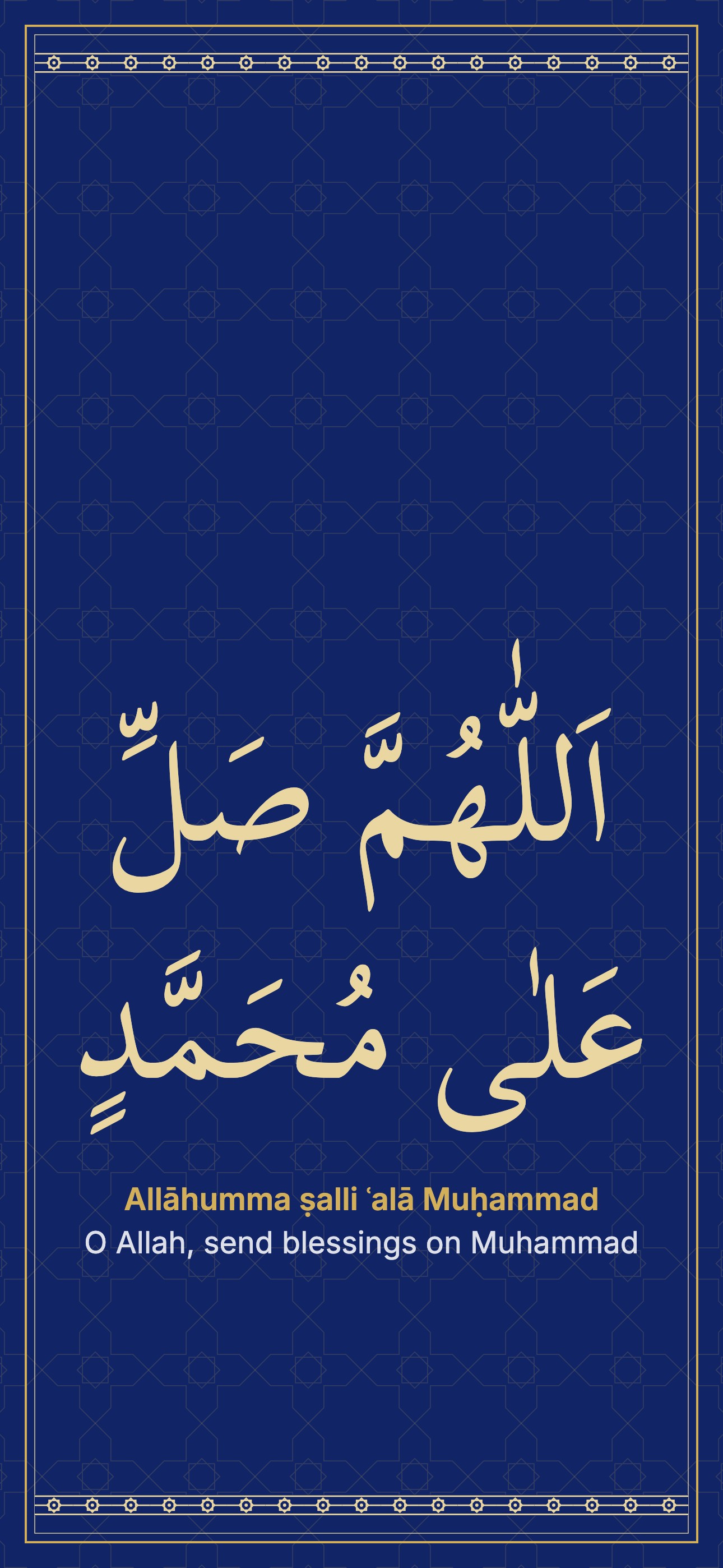 Allāhumma ṣalli ʿalā Muḥammad
 Pink crescent and stars
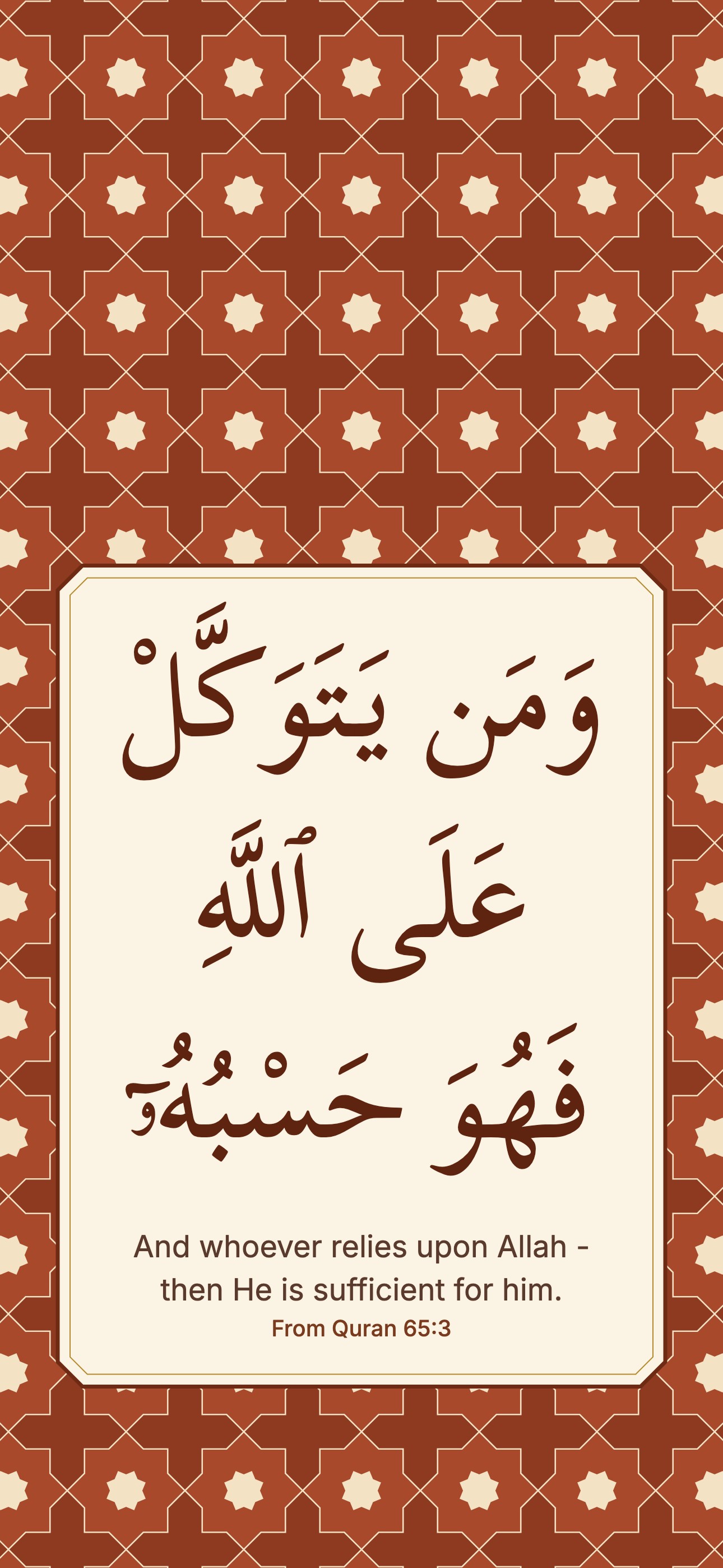 From Quran 65:3
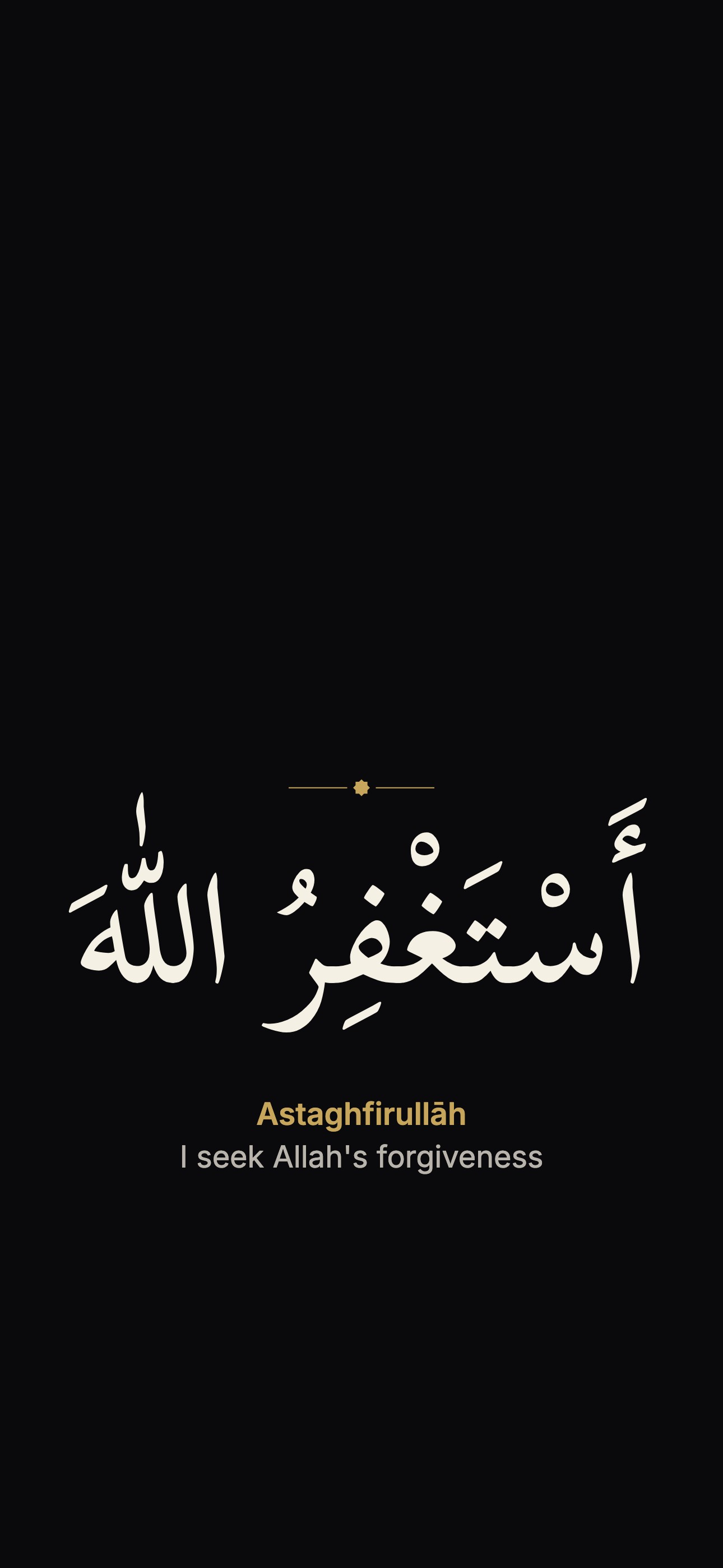 Astaghfirullāh
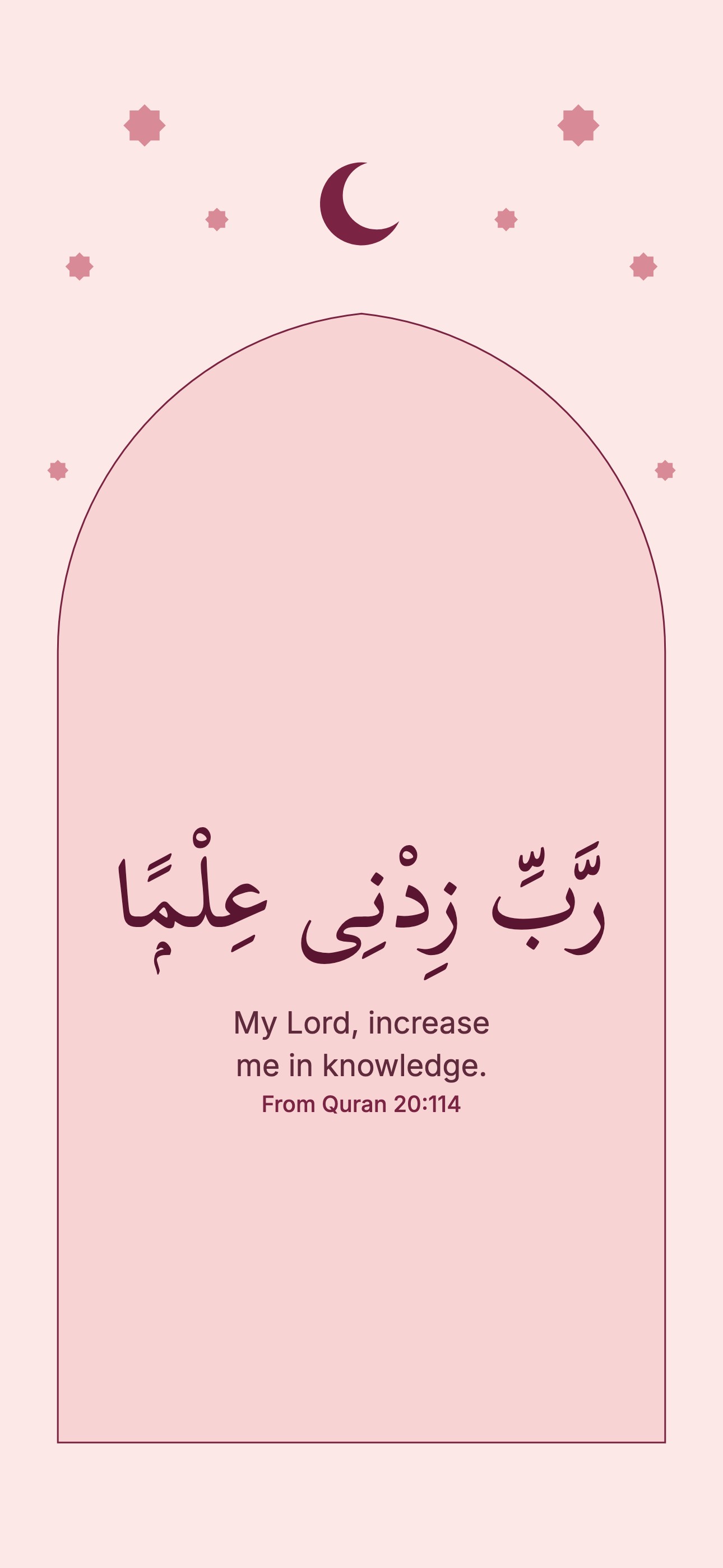 From Quran 20:114
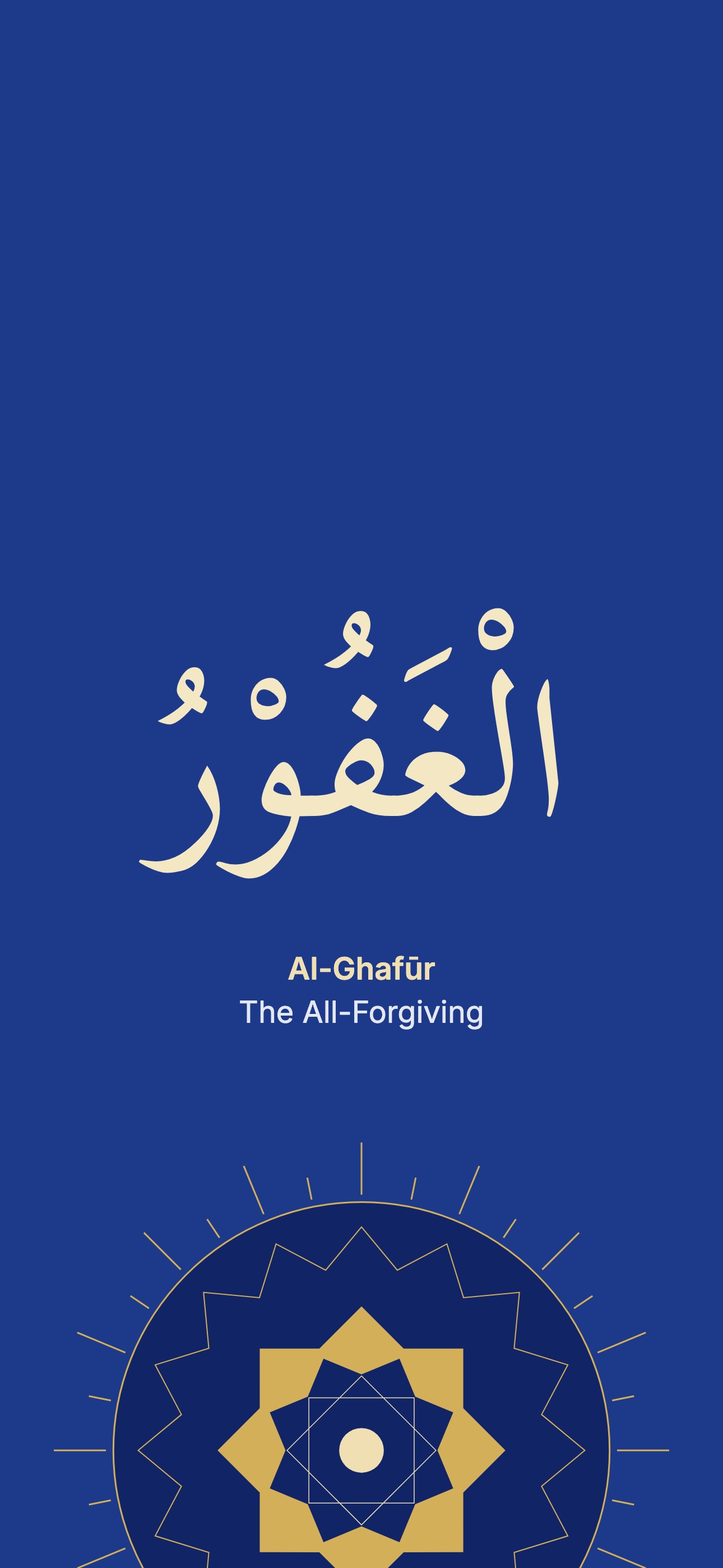 Al-Ghafūr
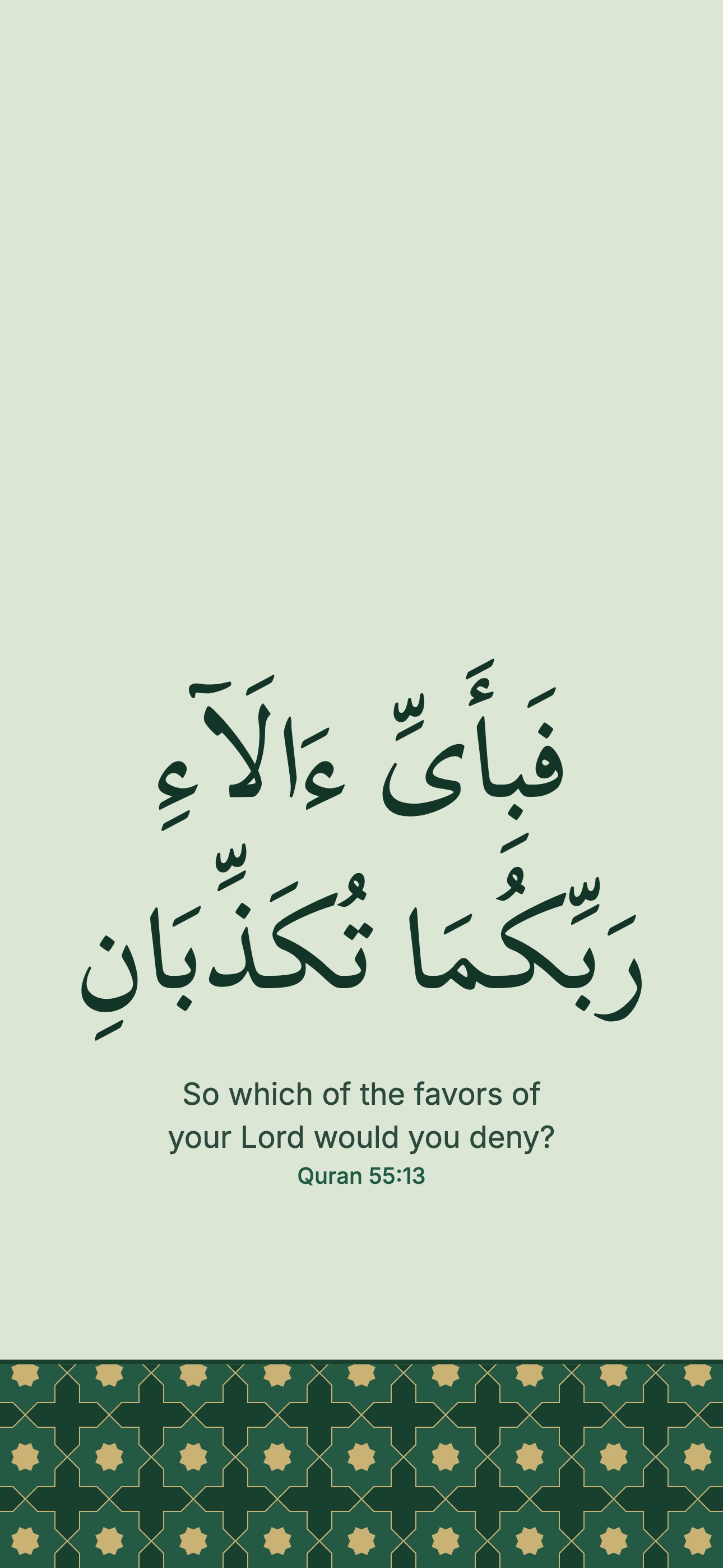 Quran 55:13
 Gold star field on lapis
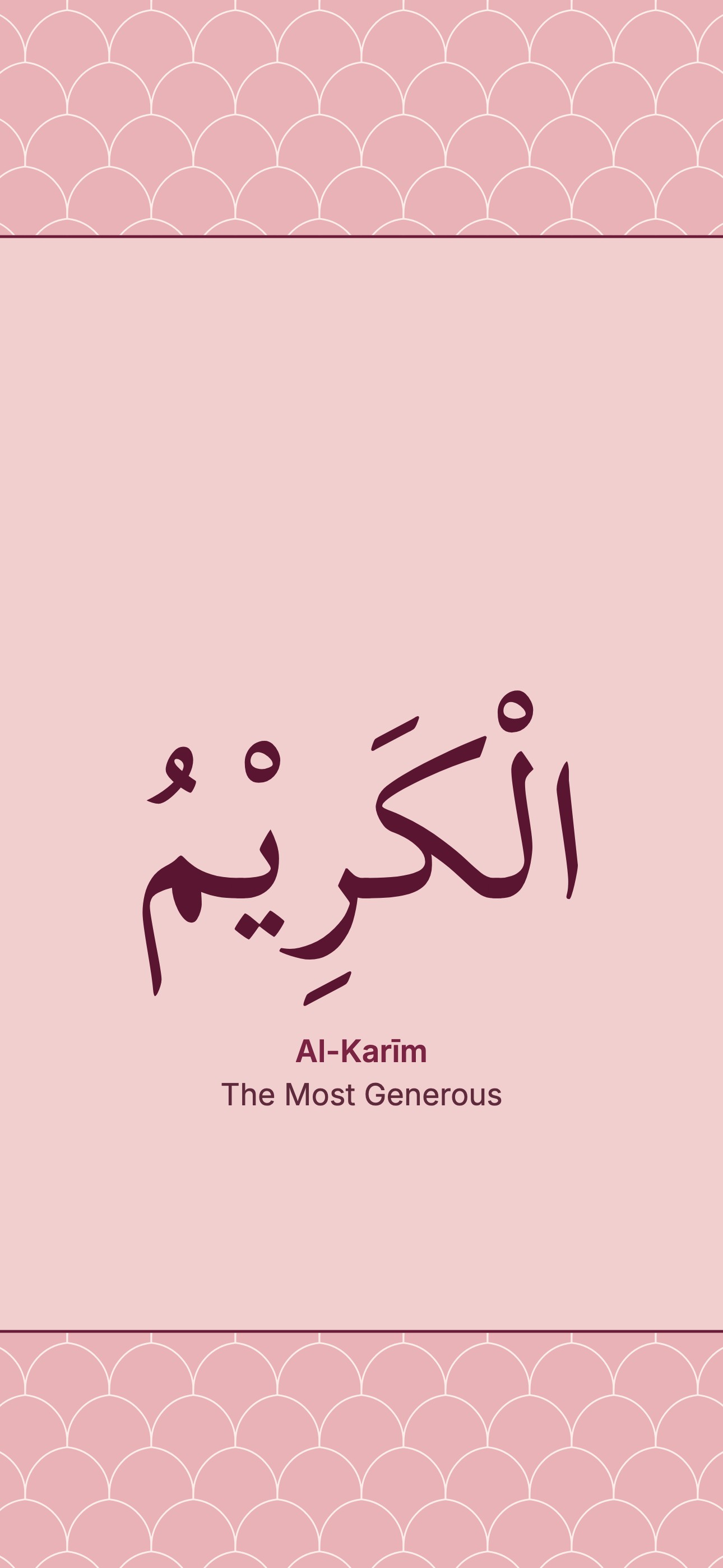 Al-Karīm
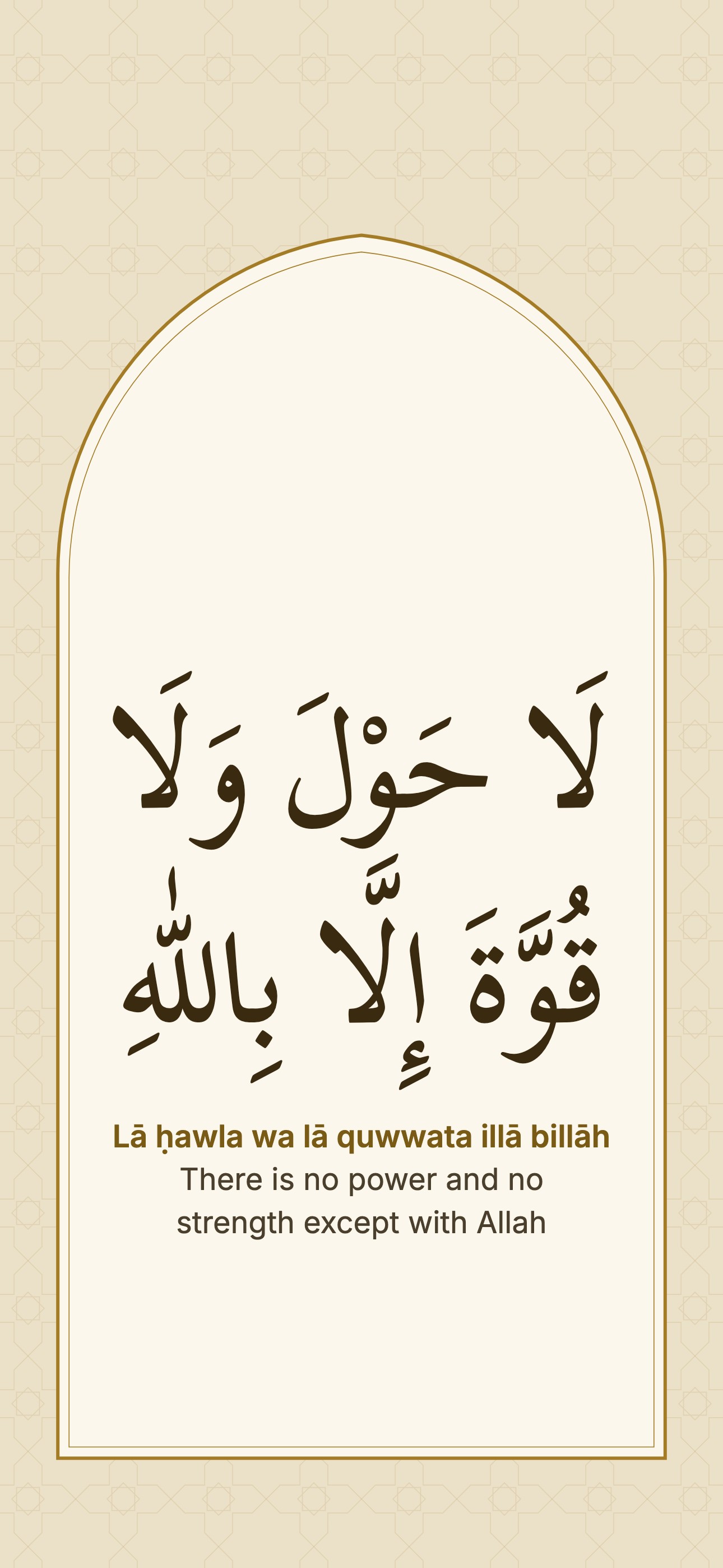 Lā ḥawla wa lā quwwata illā billāh
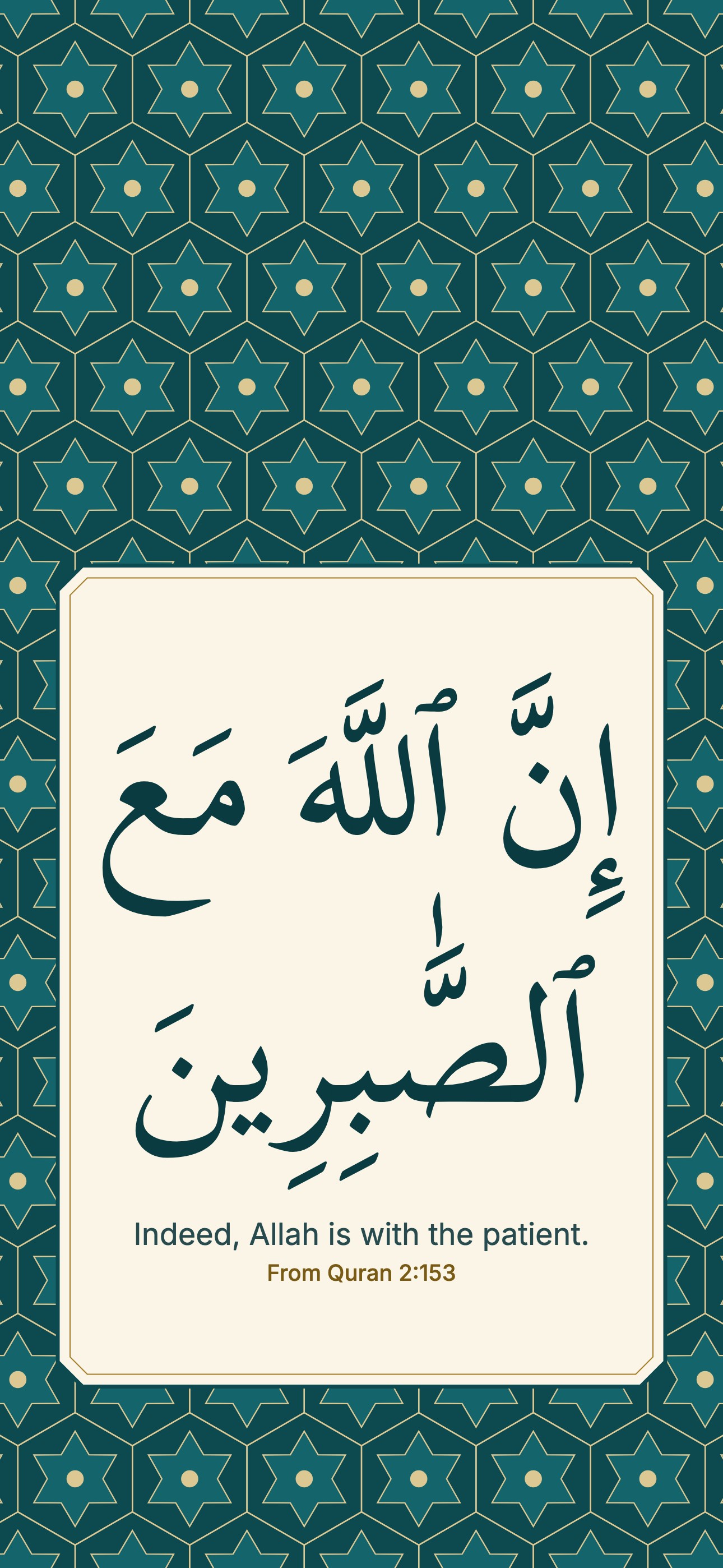 From Quran 2:153
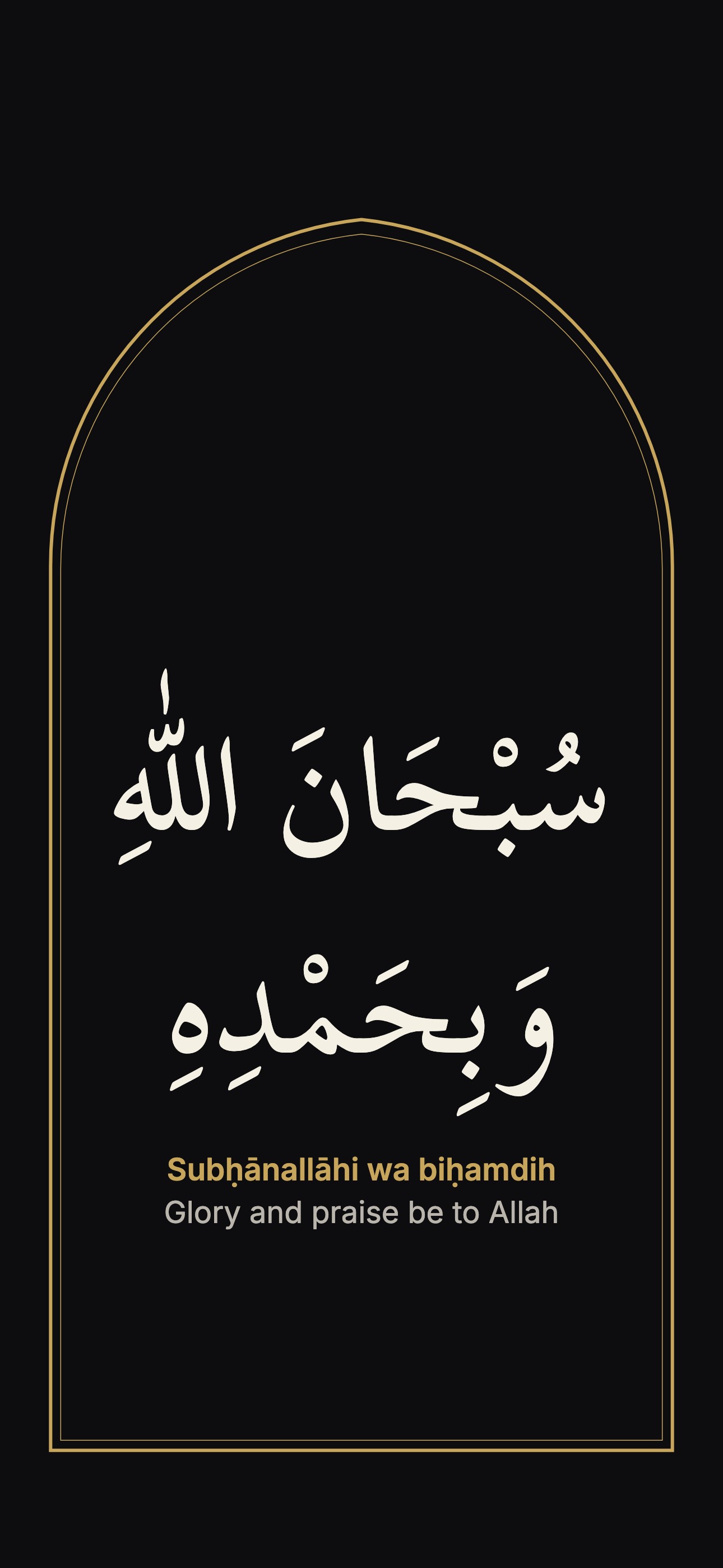 Subḥānallāhi wa biḥamdih
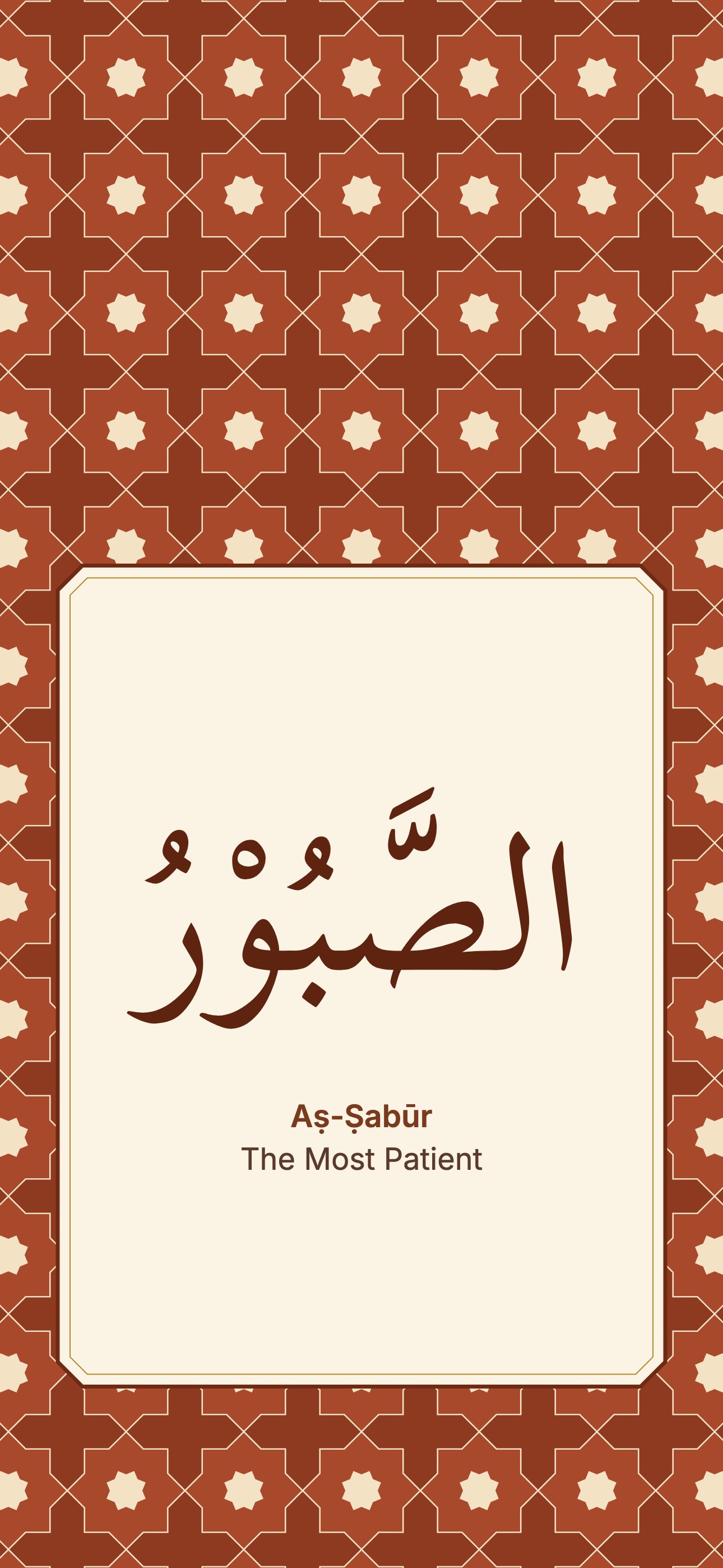 Aṣ-Ṣabūr
 Green hanging stars
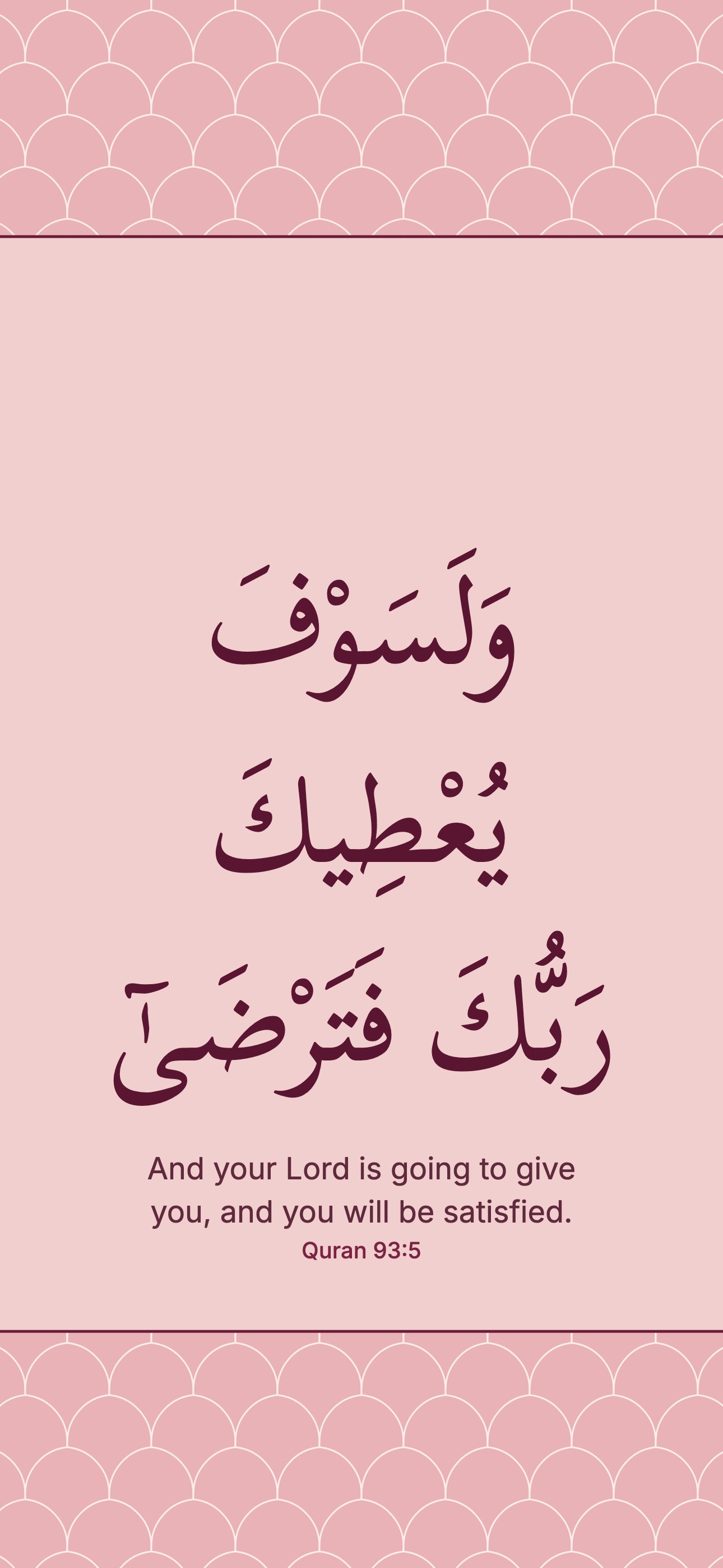 Quran 93:5
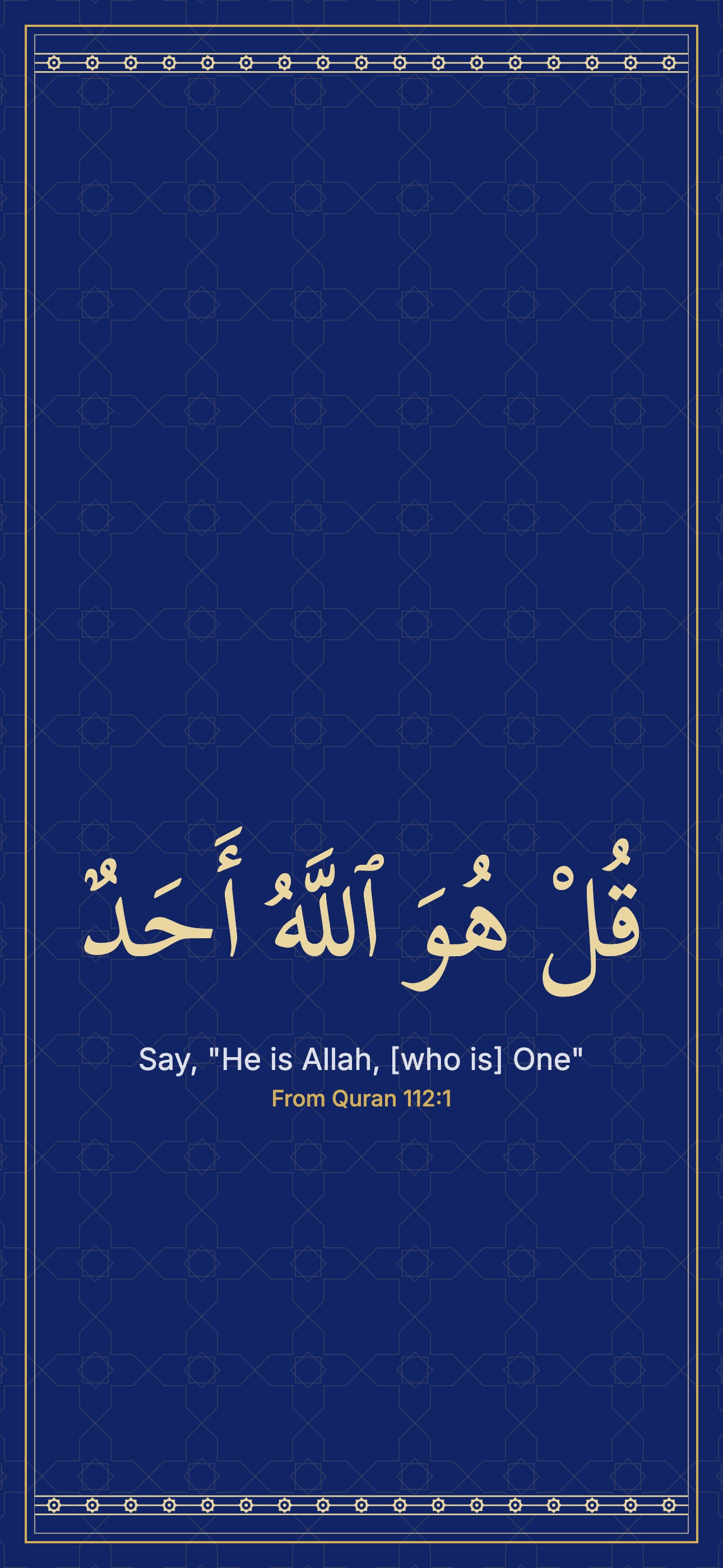 From Quran 112:1
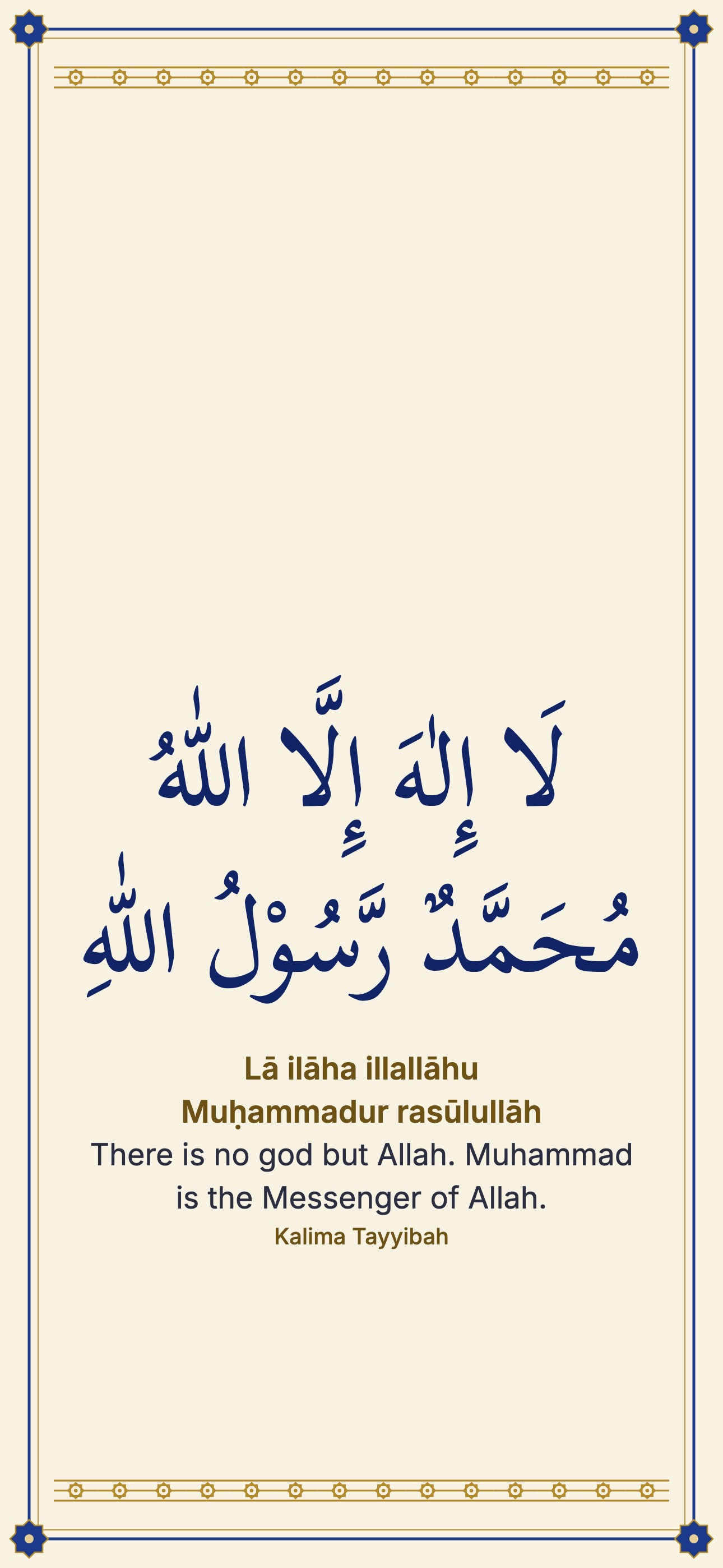 Lā ilāha illallāhu Muḥammadur rasūlullāh
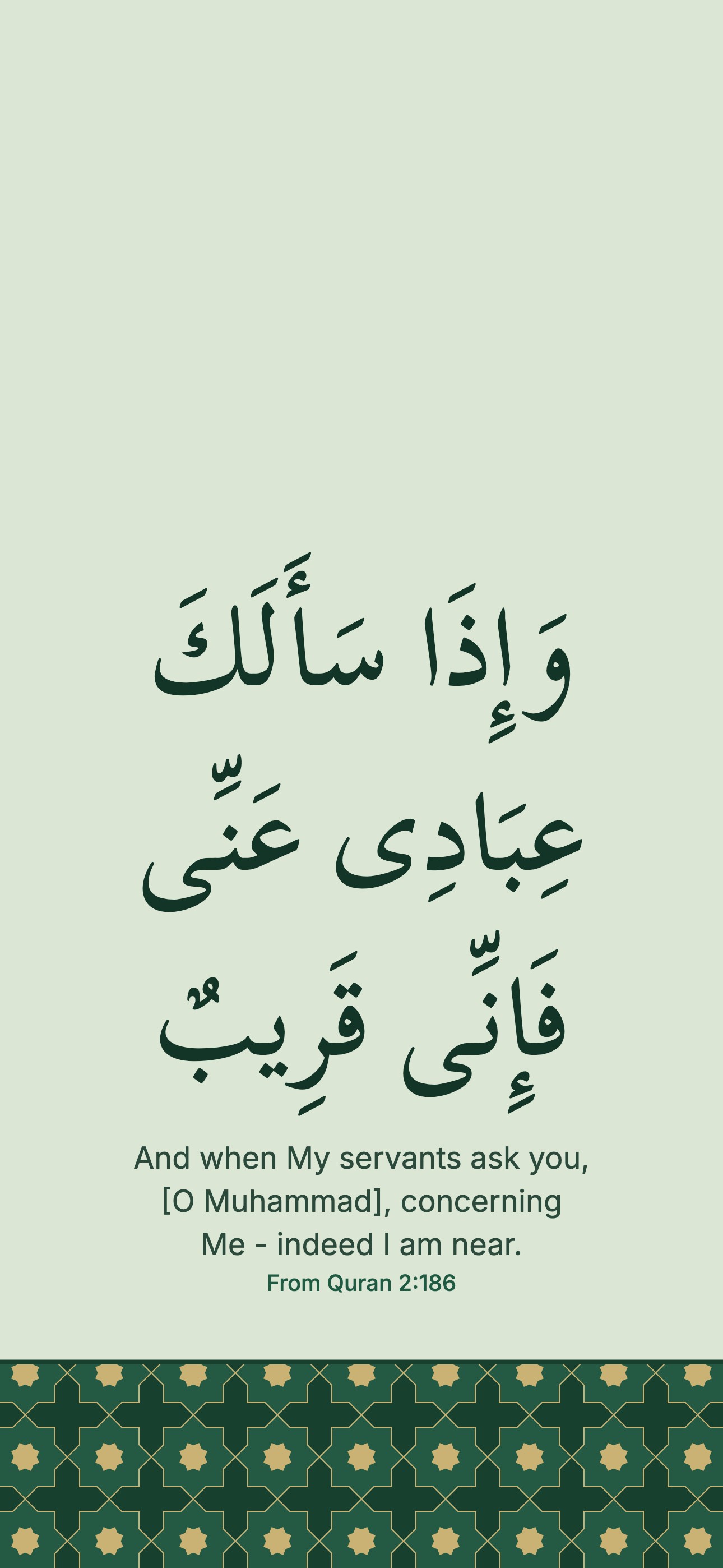 From Quran 2:186
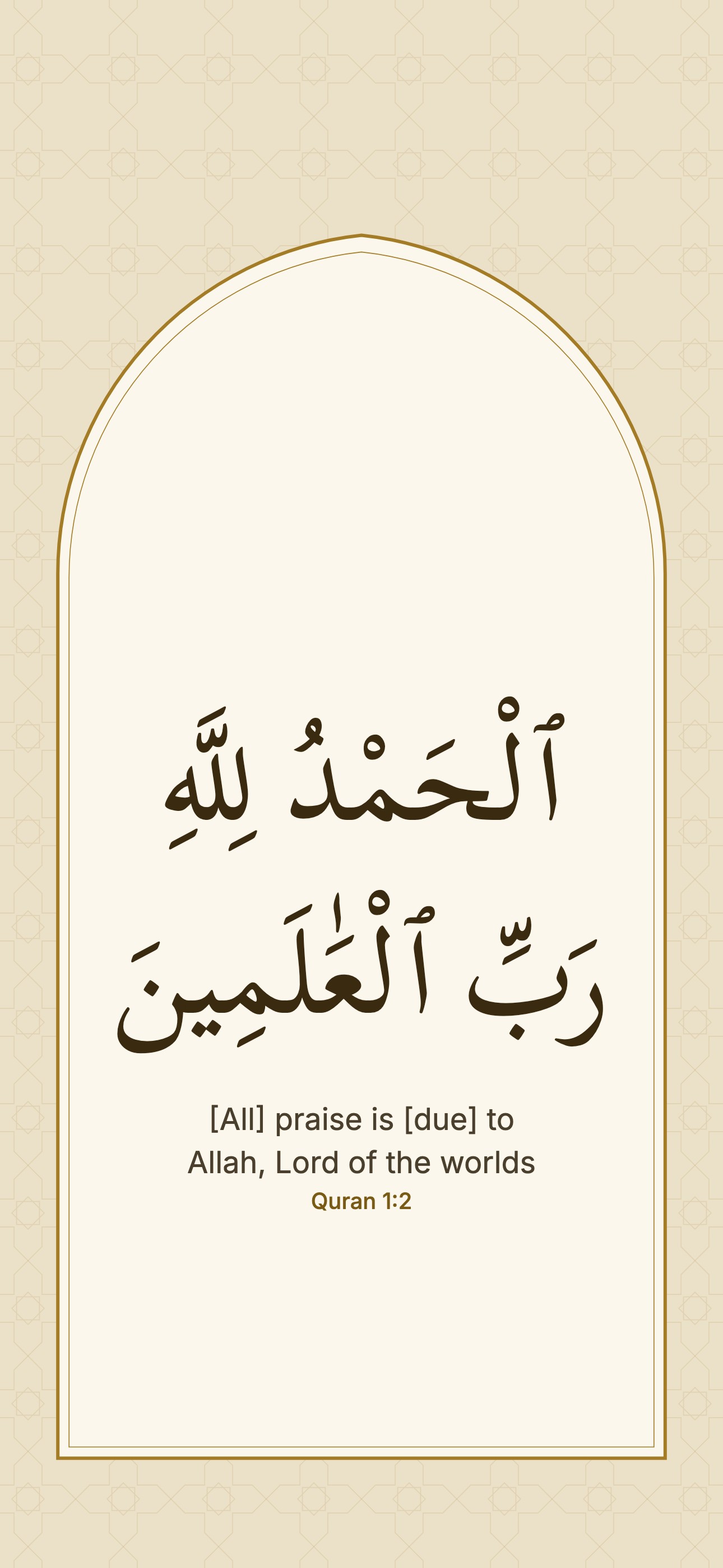 Quran 1:2
 Cream kitab page
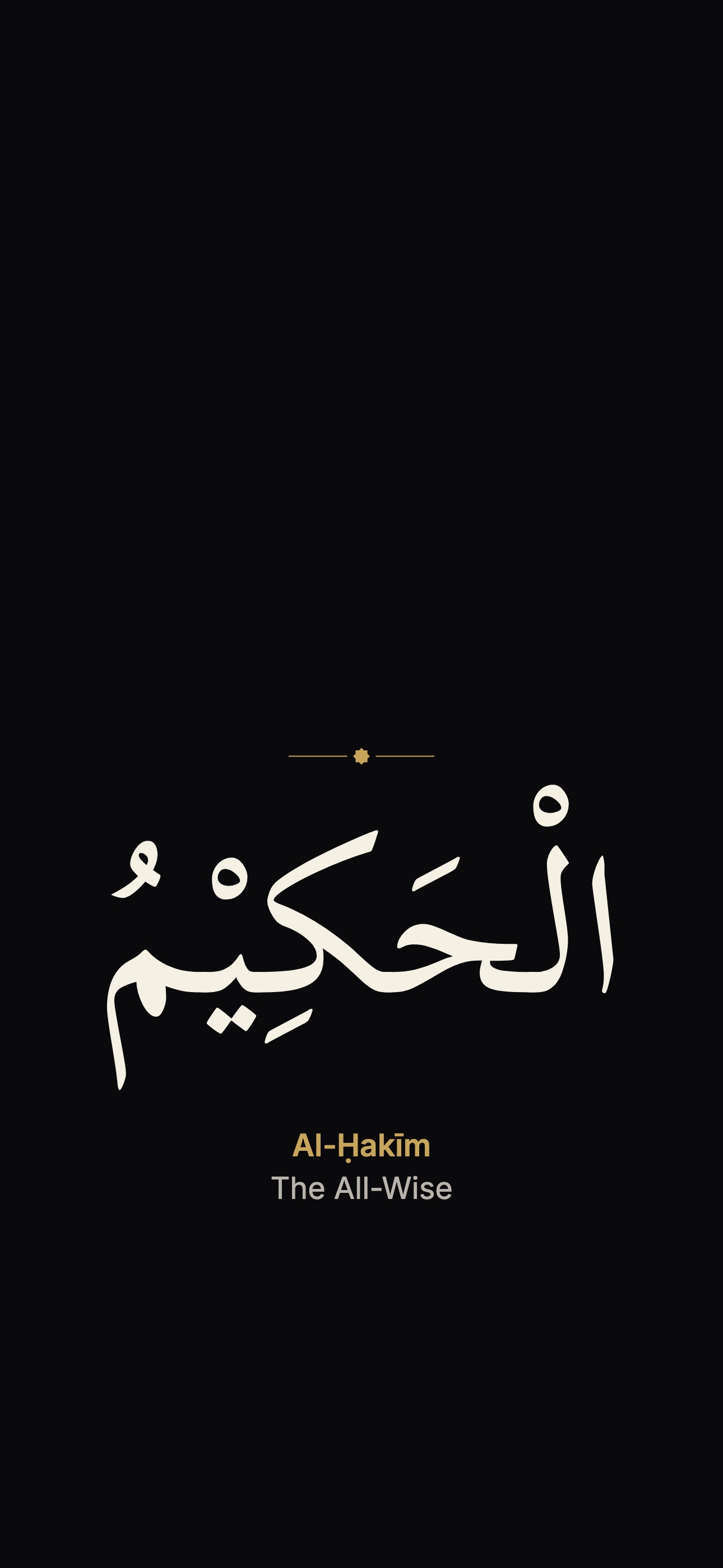 Al-Ḥakīm
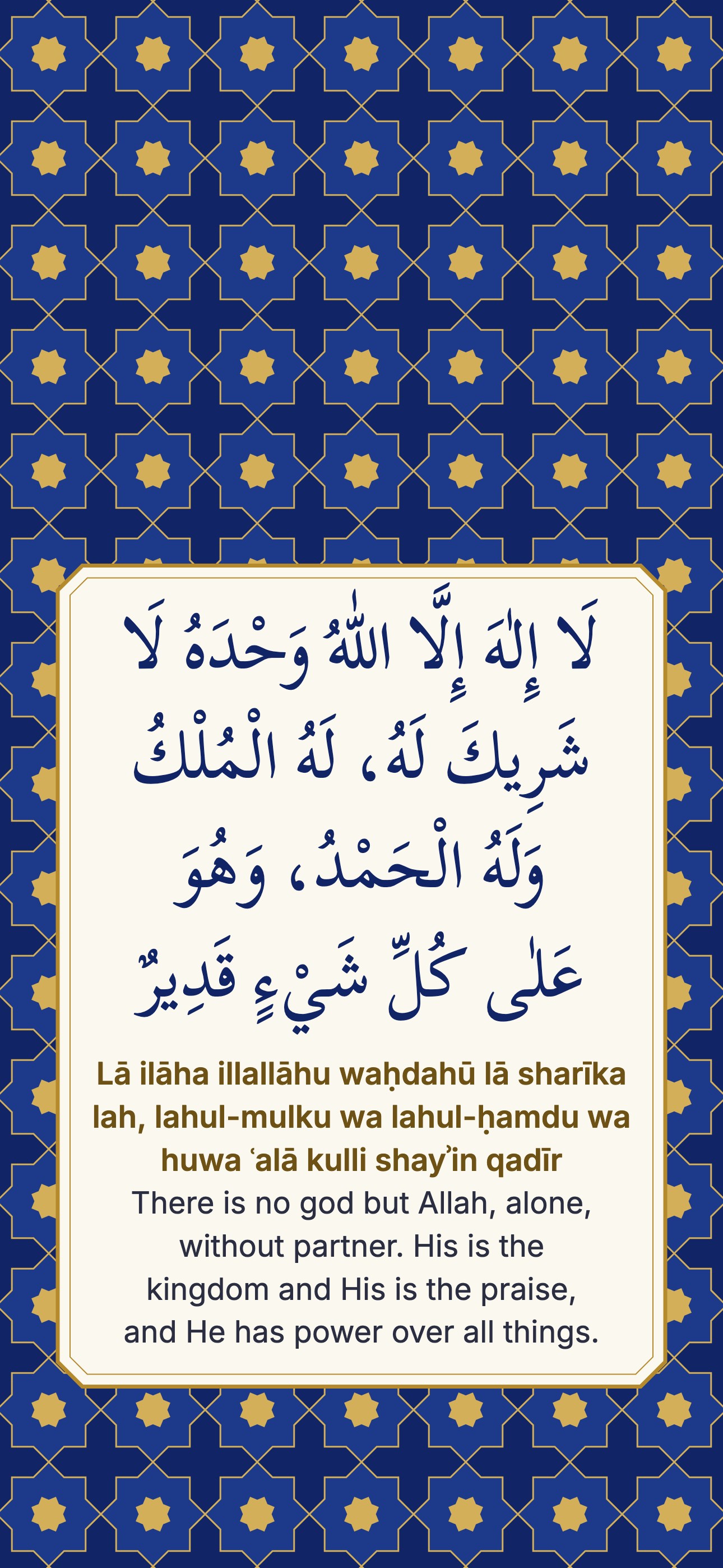 Lā ilāha illallāhu waḥdahū lā sharīka lah, lahul-mulku wa lahul-ḥamdu wa huwa ʿalā kulli shayʾin qadīr
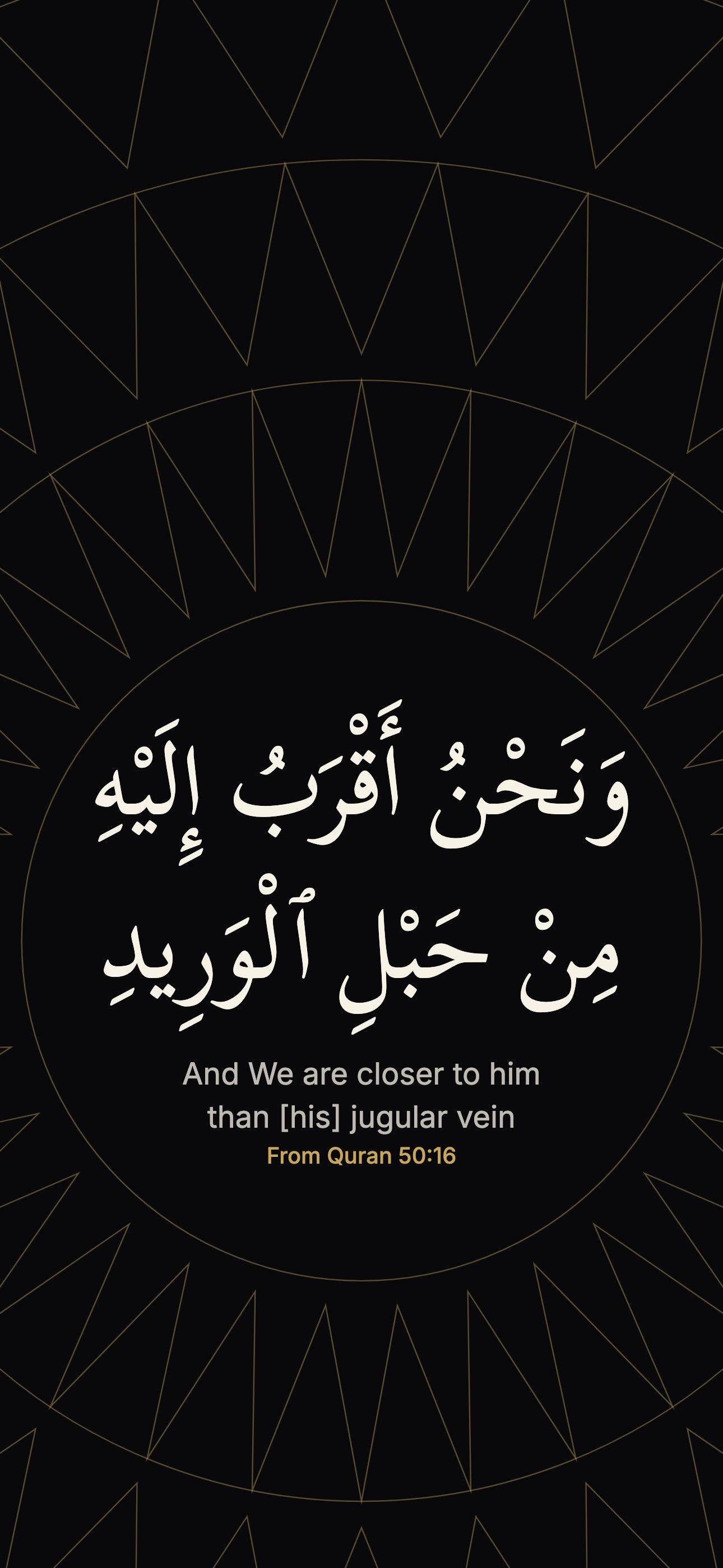 From Quran 50:16
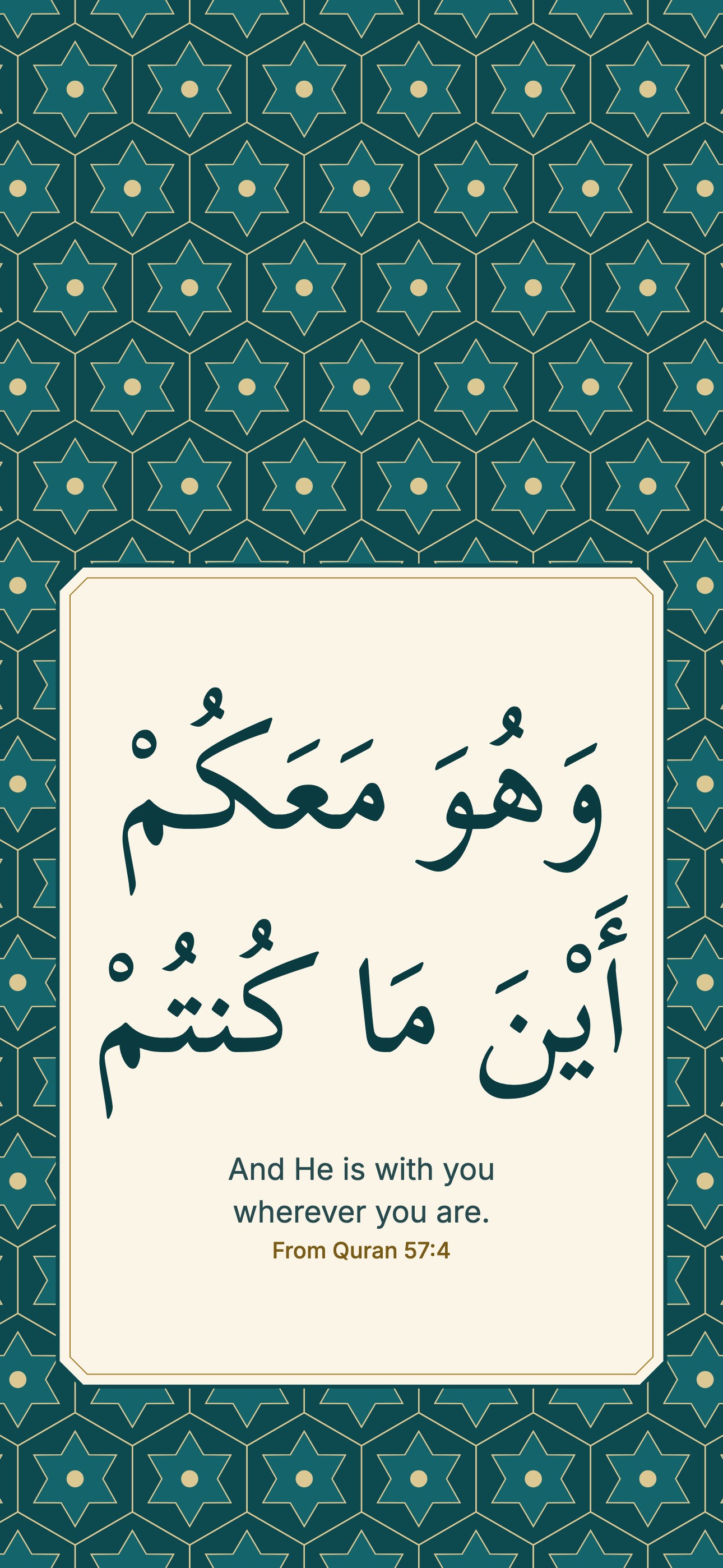 From Quran 57:4
No wallpaper matches both of those. Try another style.
On a phone, many Hanafi muftis advise a plain pattern over an ayah or Allah's name, because a phone goes into the bathroom and onto the floor. Read why, and how to take care.
Maker
Design
Drawn on this device. Nothing is uploaded, and once this page has loaded it works without a connection.
Guide
Every wallpaper on this page is free to download at two sizes: 1290 by 2796 pixels for a phone and 3840 by 2160 pixels (true 4K) for a desktop. Each one is made only of type, flat colour and geometric pattern, drawn by our own code. There are no photos, faces or animals, and no AI images.
It is permissible, but many Hanafi muftis advise against it. Using an ayah as a wallpaper is not haram in itself. It is disliked because it exposes the words of Allah to places and situations that do not suit them. The same concern applies to Allah's name, so a plain design is the safer choice. If you use one, cover or turn off the screen in the bathroom and avoid laying the phone face up on the floor.
Allah says:
ذَٰلِكَ وَمَن يُعَظِّمْ شَعَٰٓئِرَ ٱللَّهِ فَإِنَّهَا مِن تَقْوَى ٱلْقُلُوبِ
That [is so]. And whoever honors the symbols of Allah - indeed, it is from the piety of hearts.
Quran 22:32, translation by Sahih International
A lock screen lights up in toilets and crowded trains, sits on the floor and is handled all day without wudu. That is why we made the plain patterns, and why the maker can leave the words out or show only the English meaning. If you want the reminder without the risk, there are good options: set a reminder notification with the ayah's meaning, keep a Quran app on your home screen, or read the ayah of the day. The full answer, with its sources, is on can you have Quran verses as a phone wallpaper.
The desktop files are really 3840 by 2160 pixels, so a 4K screen shows them sharp. The phone files are 1290 by 2796 pixels, the size of the largest recent iPhones, and they fill smaller phones too. The maker adds Android, tablet and full HD sizes. On tall screens the words sit below the clock, so the time does not cover them.
For an aesthetic Islamic wallpaper, the black designs are the calmest and suit an OLED phone. The pink and crescent designs are the cute ones. The ayah designs work as an Islamic wallpaper with quotes, since each shows the meaning in English with its reference. Geometric, green, cream and gold on lapis come from the colours and star patterns of old illuminated Qurans.
Quran text is the Uthmani script, and the English is the Sahih International translation. Where a design shows only part of an ayah, it says "From Quran" with the reference, so you can read the rest in context. The dhikr and the 99 names are the same text used across AmalKit, such as on the tasbih counter and the 99 names of Allah page.
Reviewed by Hafez Mawlana Abu Darda and Mawlana Akramul Haque Fenwi, Islamic scholars. For a more accurate answer to your own situation, consult a scholar.
Questions
It is not haram in itself, but many Hanafi muftis advise against an ayah or Allah's name on a phone, because the phone goes into the bathroom, onto the floor and into hands without wudu. A plain pattern is the safer choice. See the full answer.
The desktop files are. Each one is exactly 3840 by 2160 pixels. The phone files are 1290 by 2796 pixels, which is what a large iPhone uses.
Open the design, tap Save to phone and choose Save Image, or press and hold the large picture and tap Save to Photos. Then go to Settings, Wallpaper, Add New Wallpaper, Photos.
Yes, they are free, with no account and no watermark. You may use them as your wallpaper and share them with family and friends.
No. It draws the picture on a canvas in your browser and saves it straight to your device. Once the page has loaded it works without a connection.
The designs follow the Islamic art tradition of calligraphy and geometric pattern, so there are no pictures of living beings. There are no AI images either: our own code draws every line.
Not answered here? Ask our team.